1
Capture & Transmit Dialing Digits/Tones (Optional Software - XX022)
Document Number: T1E1-8.7.28-03
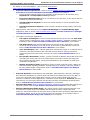
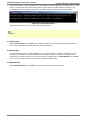
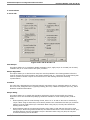
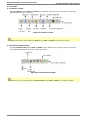
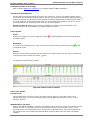
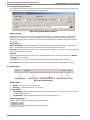
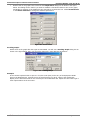
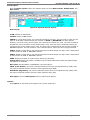
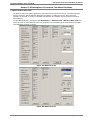
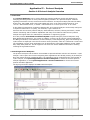
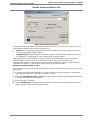
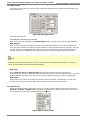
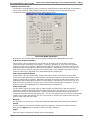
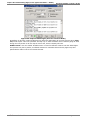
File Name - Enter the name of the log file you want to use in this box. The user can click the arrow at
the right side of the box to display a list of recently used log files. The list is cleared between sessions.
The user may either select an existing file for logging, or specify a new file by keying its name into the
File name box. The Capture DTMF/MF Digits application recognizes two file name extensions: ‘.log’ and
‘.txt’. If the user doesn’t specify an extension, ‘.log’ will be appended by default.
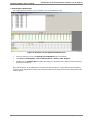
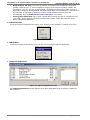
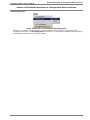
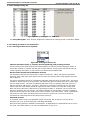
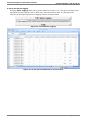
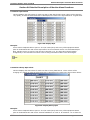
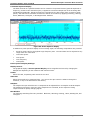
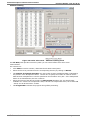
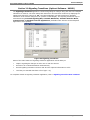
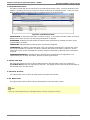
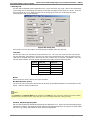
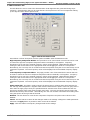
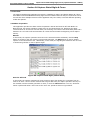
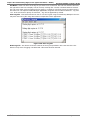
View Log File - This button allows the user to view the log file using the Windows® Notepad. The user
may also view the log file using other editors independent of this application.
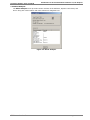
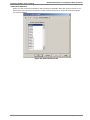
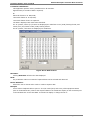
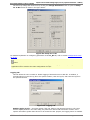
Figure 124: View Log File
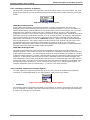
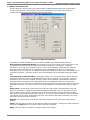
Erase Log File - This button clears the contents of the log file specified in File name text box. This
button is only active if logging is enabled and a file name has been entered.
GL Communications Inc.
134
August 2014