1
10.
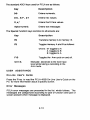
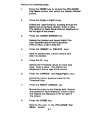
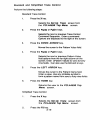
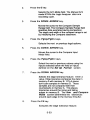
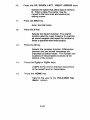
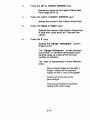
Press the UP, DOWN, LEFT, RIGHT ARROW keys.
Selects the option that alters data in memory
B. Enter a value.The cursor may be
moved to the trace area and used as an
editing cursor.
11.
Press the END key.
Exits the Edit mode.
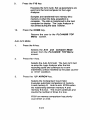
12.
Press the S key.
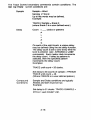
Selects the Search functkm. The search
function asks the Logic Analyzer to examine
all stored samples and report the number of
times a specified word was located.
13.
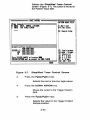
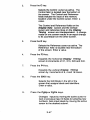
Press the Q key.
Selects the compare function. Differences
between the two stored recordings are
indicated by dotted traces. The number and
locations of miscompares is shown at the
bottom of the screen.
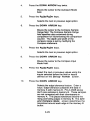
14.
Press the PgUp or PgDn keys.
JJlUl~
to the next or previous occurrence
of the search word or miscompare.
15.
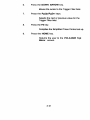
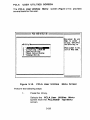
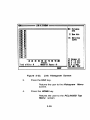
Press the HOME key.
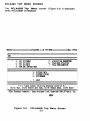
Returns the user to the PCLA450B Top
Menu screen.
3-48