1
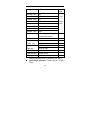
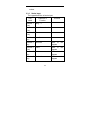
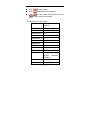
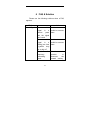
Delete
Delete All
Delete the website.
Delete all website in file.
4.5.2.7 History
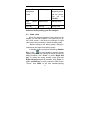
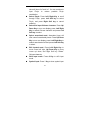
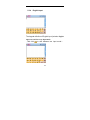
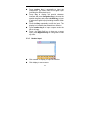
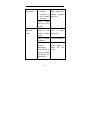
In the submenu, it will list the website that you visit
recently. Select one history, press Left Soft key
“Option”: View can connect with WAP website you
want; Delect is to delect the selecting history; Delete
All is to delete all history that saving in “History” menu
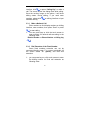
Note: If you try to or has succeeded in visiting
some website that need password (such as you
bank account), please clean cache and history after
using.
4.5.2.8 Setting
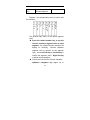
In Setting, you can make following operation for
WAP sevice:
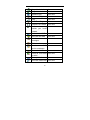
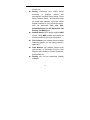
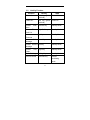
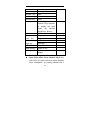
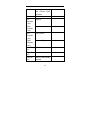
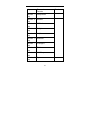
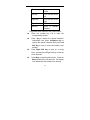
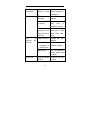
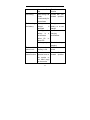
Network Setting Includes the setting of
Homepage, Gateway, Port
and Account.
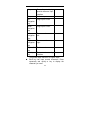
Color Setting Includes the color setting of
Normal Text, Link Text, Link
Background, Active Text and
Activation Background.
83