1
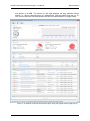
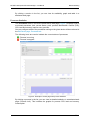
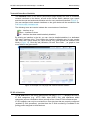
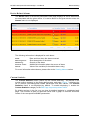
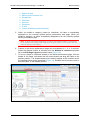
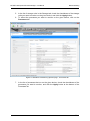
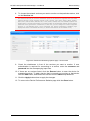
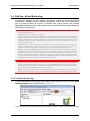
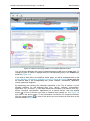
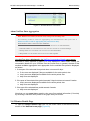
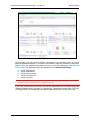
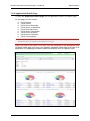
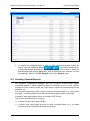
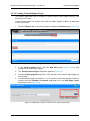
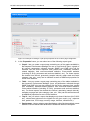
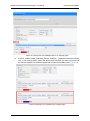
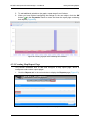
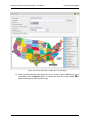
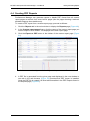
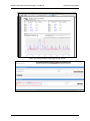
MG-SOFT Net Inspector Performance Manager — User Manual Viewing and Creating Reports 4.2.1 Creating Custom Report Pages This section describes how to configure a typical custom report page showing Top5 devices by CPU load. Custom report pages can contain more than one object (graph or table), as described in the next section. 1. Click the Reports tab in the main window to display the Reports page (Figure 45). Figure 45: Reports page 2. In the Custom pages frame, click the Add New button (Figure 45) to start configuring a custom report page. 3. The Custom Report Page configurator appears (Figure 47). 4. Into the Custom page title input line, enter the title of the custom report page you are creating. 5. A custom report page can contain 1, 2 or 3 columns. Select the desired number of columns from the Number of columns drop-down list in the Edit Page Layout drop-down frame (Figure 46). Figure 46: Setting the number of columns for a custom report page 51