1
16
Installing Your Camera to a Modem
AXIS 2120 User’s Manual
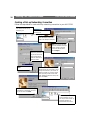
3. Login with the username root and the password pass. The Phone Number and Modem
Type that you enter are irrelevant at login and you can use dummy numbers for
completing these dialogs.
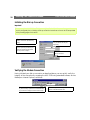
4. Start your Dial-up Networking session and enter any URL containing a period; the
AXIS 2120 emulates a DNS server and will respond to this regardless.
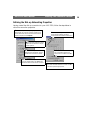
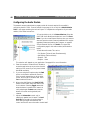
5. Start the Installation Wizard and Administration Tools to further configure the
product, as described in Configuring Your Camera, on page 21.