1
Status Bar Icons
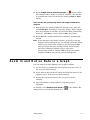
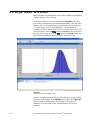
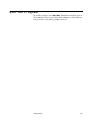
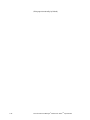
A status bar at the bottom of most windows provides information
about what is being shown in the window as well as information
about what operations are occurring.
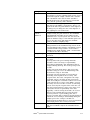
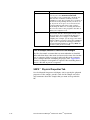
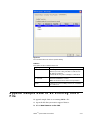
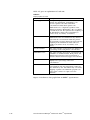
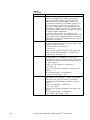
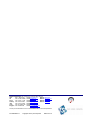
Each icon is described below:
Icon
Description
Attention. The scan returned with one or more status flags
set. Move the mouse over the icon to view the tool tip which
displays the status text.
Charge correction is off.
Charge correction is on.
Diffusion correction is on.
Nanoparticle aggregate mobility analysis is on.
Down scan in progress.
Up scan in progress.
Scan completed without problems.
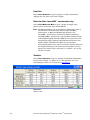
The software displays particle density on the status bar below the
size graph. If the software is connected to the Model 3080
Electrostatic Classifier, it also displays sheath temperature and
absolute pressure read from the instrument.
Figure 4-26
Status Bar Displaying Particle Density
If the software is not connected to the Model 3080 Electrostatic
Classifier, the temperature and pressure at the bottom of the graph
will be displayed as dashed lines.
Figure 4-27
Status Bar Displaying Dashed Lines
4-46
Aerosol Instrument Manager® Software for SMPSTM Spectrometer