1
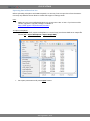
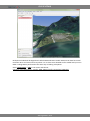
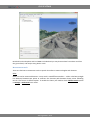
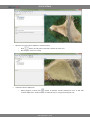
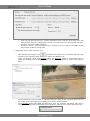
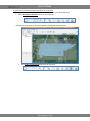
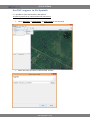
GIS SPUTNIK And in follow terrain mode: To move a point, simply drag it with left mouse button. To stop marking a path, place the last point using right mouse button. Circle Circle measurement tool allows to display a circle on a map and measure its radius. It might be useful for simple approximation. To measure radius: Select on tool panel. Place a point on a map with left mouse button. This point is a circle center. Dragging blue square mark change circle radius. To move circle drag its central point. www.geoscan.aero