1
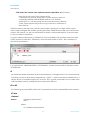
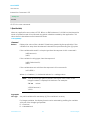
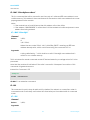
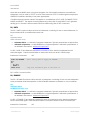
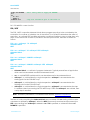
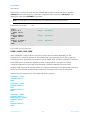
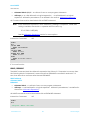
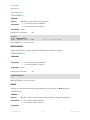
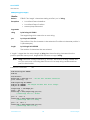
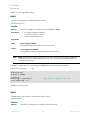
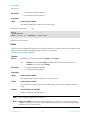
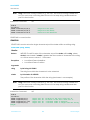
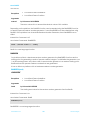
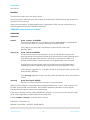
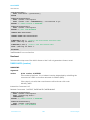
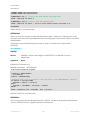
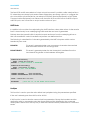
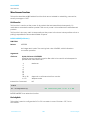
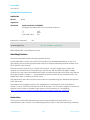
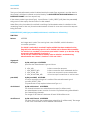
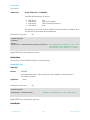
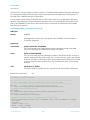
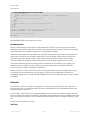
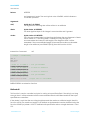
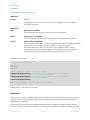
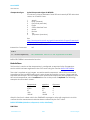
smart BASIC User Manual SPI Interface This section describes all the events and routines used to interact with the SPI peripheral available on the platform. The BL600 module can only be configured as a SPI master. The three signal lines are called SCK, MOSI and MISO, where the first two are outputs and the last is an input. A very good introduction to SPI can be found at http://en.wikipedia.org/wiki/Serial_Peripheral_Interface_Bus and the reader is encouraged to refer to it before using the api described in this section. It is possible to configure the interface to operate in any one of the 4 modes defined for the SPI bus which relate to the phase and polarity of the SCK clock line in relation to the data lines MISO and MOSI. In addition, the clock frequency can be configured from 125,000 to 8000000 and it can be configured so that it shifts data in/out most significant bit first or last. Note: A dedicated SPI Chip Select (CS) line is not provided and it is up to the developer to dedicate any spare gpio line for that function if more than one SPI slave is connected to the bus. The SPI interface in this module assumes that prior to calling SPIREADWRITE, SPIREAD or SPIWRITE functions the slave device has been selected via the appropriate gpio line. SPI Events The api provided in the module is synchronous and so there is no requirement for events. SpiOpen This function is used to open the main SPI peripheral using the parameters specified. SPIOPEN (nMode, nClockHz, nCfgFlags, nHande) Function Returns: INTEGER Indicates success of command: 0 0x5200 0x5207 0x5225 0x521D 0x522B Exceptions Opened successfully Driver not found Driver already open Invalid Clock Frequency Requested Driver resource unavailable Invalid mode Local Stack Frame Underflow Local Stack Frame Overflow Arguments: www.lairdtech.com 136 Laird Technologies