1
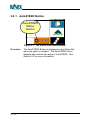
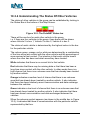
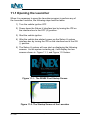
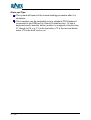
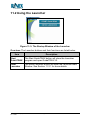
8.3.1 Overriding AutoSPRAY
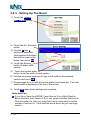
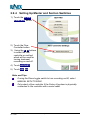
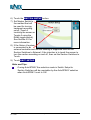
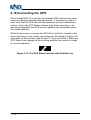
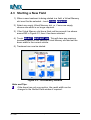
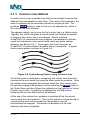
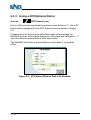
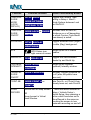
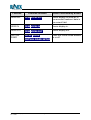
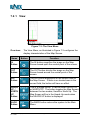
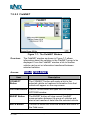
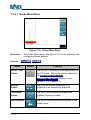
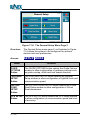
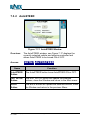
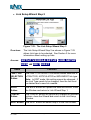
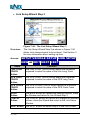
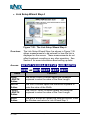
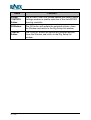
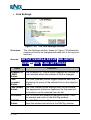
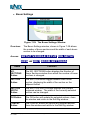
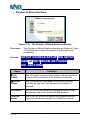
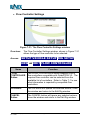
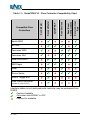
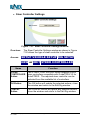
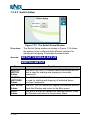
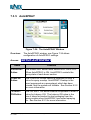
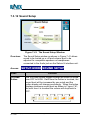
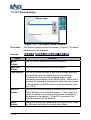
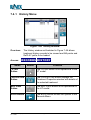
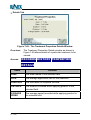
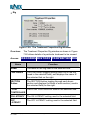
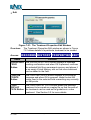
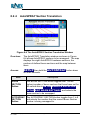
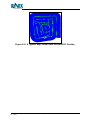
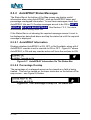
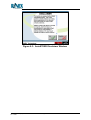
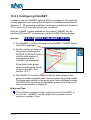
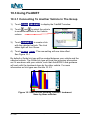
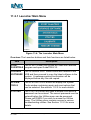
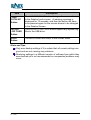
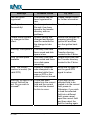
Figure 8-6: AutoSPRAY Override Menu
Overview:
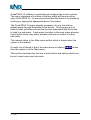
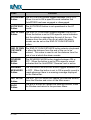
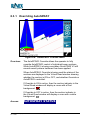
The AutoSPRAY Override allows the operator to fully
override AutoSPRAY control of individual boom sections.
While AutoSPRAY is being overridden GuideTRAX V3 still
records exactly where treatment has been applied.
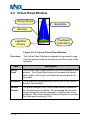
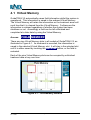
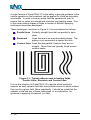
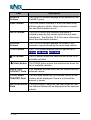
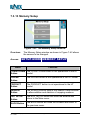
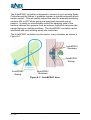
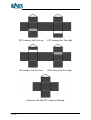
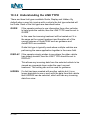
When AutoSPRAY Override is being used the states of the
sections are displayed in the Virtual Road window showing
whether the section is ON or OFF, and whether Override or
AutoSPRAY controlled.
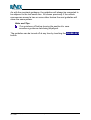
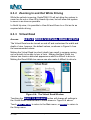
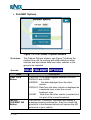
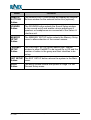
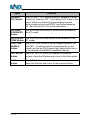
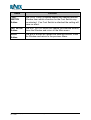
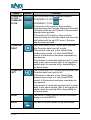
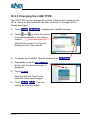
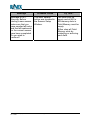
If Override to ON is active, then the section indicator in the
Virtual Road window will display a cross with a Red
.
background:
If Override to OFF is active, then the section indicator in
the Virtual Road window will display a cross with a white
background:
.
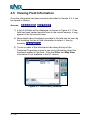
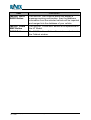
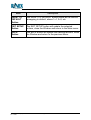
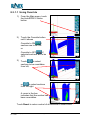
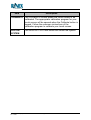
Access:
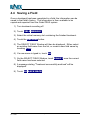
AUTOSPRAY STATUS
GuideTRAX V3.2 (HT) User Manual
P/n 1-1258
Page 190
Rev B