1
DGS-3024 Gigabit Ethernet Switch Manual
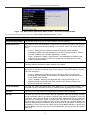
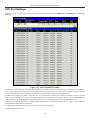
IGMP Snooping Forwarding
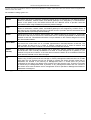
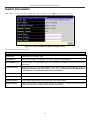
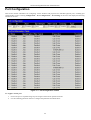
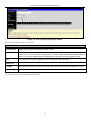
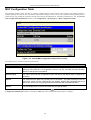
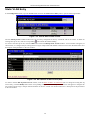
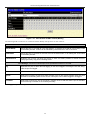
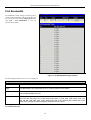
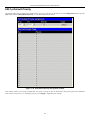
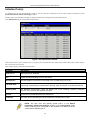
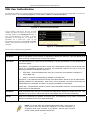
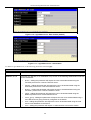
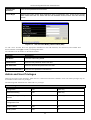
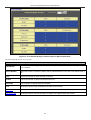
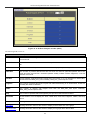
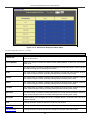
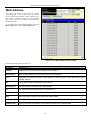
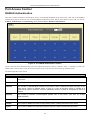
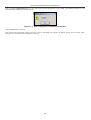
This window will display the current IGMP snooping forwarding table entries currently configured on the Switch. To view the
following screen, open the Monitoring folder and click the IGMP Snooping Forwarding link.
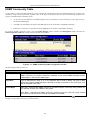
Figure 10- 17. IGMP Snooping Forwarding Table window
The user may search the IGMP Snooping Forwarding Table by VID clicking the top left hand corner Search button.
The following field can be viewed:
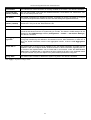
Parameter
Description
VLAN ID
The VLAN ID (VID) of the multicast group.
Multicast Group
The IP address of the multicast group.
MAC Address
The MAC address of the multicast group.
Port Map
These are the ports where the IGMP packets were snooped are displayed.
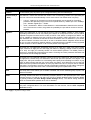
VLAN Status
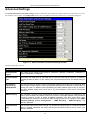
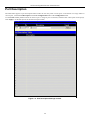
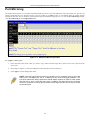
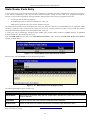
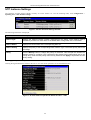
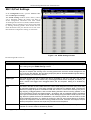
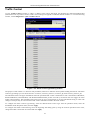
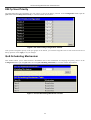
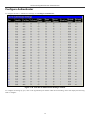
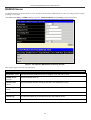
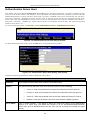
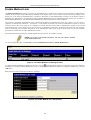
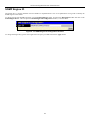
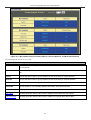
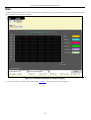
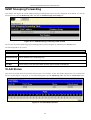
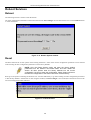
This allows the VLAN status for each of the Switch's ports to be viewed by VLAN. This window displays the ports on the Switch
that are currently Egress or Tag ports. To view the following table, open the Monitoring folder and click the VLAN Status Link.
Figure 10- 18. VLAN Status window
133