1
DSL-2640T ADSL 2+ Router User Guide
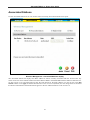
URL Blocking
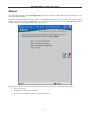
URL or Uniform Resource Locator is a specially formatted text string that uniquely defines an Internet website. This
window will allow users to block computers on the LAN from accessing certain URLs. This may be accomplished by
simply entering the URL to be blocked in the URL Address field. The user may also use this field to block certain
websites by entering a keyword into the URL Address field. So, if any website’s URL contains this word, it will
automatically be denied access to users on the LAN.
For example, if you wish to block users from accessing shopping websites, enter the keyword “shopping into the URL
Address field. Then website having “shopping” in their URL (such as http://www.yahoo.com/shopping/stores.html or
http://www.msn/search/shopping-spree.html) will be denied from computers on the LAN. This feature may be
beneficial to parents wanting to stop their kids from accessing certain websites or for companies who want their
employees to stop surfing the Internet on company time.
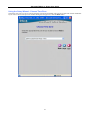
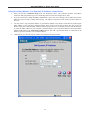
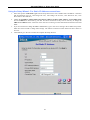
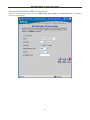
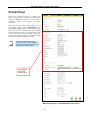
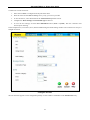
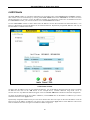
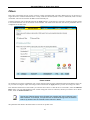
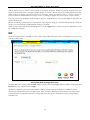
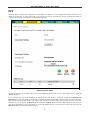
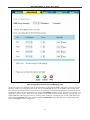
To configure this screen for URL blocking, enter the website’s address or a keyword into the URL field and click Add
button, then click Apply to save this configuration into the Routers memory. Configured URL blocking entries will be
displayed in the Blocked URLs List at the bottom of the screen. To remove a Blocked URL entry in the list, click on
the entry and click the Delete button.
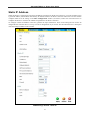
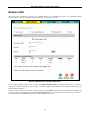
Domain Blocking
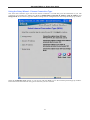
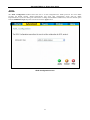
Domain blocking is a method of denying computers on the LAN access to specific domains on the Internet.
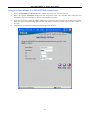
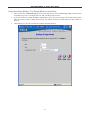
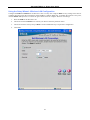
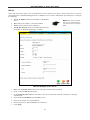
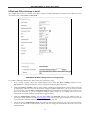
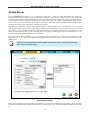
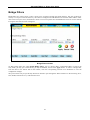
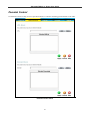
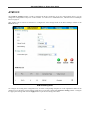
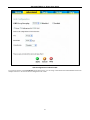
To configure this screen for URL blocking, enter the website’s address into the Domain field and click Add button,
then click Apply to save this configuration into the Routers memory. Configured Domain blocking entries will be
displayed in the Blocked Domains List at the bottom of the screen. To remove a Blocked Domain entry in the list, click
on the entry and click the Delete button.
68