Download Android User Manual
Transcript
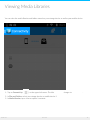
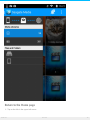
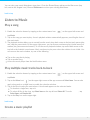
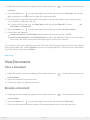
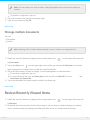
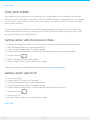
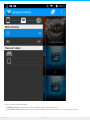
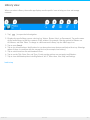
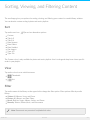
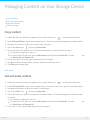
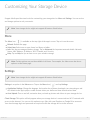
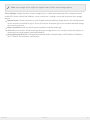
Sor ng, Viewing, and Filtering Content The media app gives you options for sorting, viewing, and filtering your content in a media library window. You can also do custom sorting in photo and music playlists. Sort Tap on the sort icon ( ) to review alternative options. Custom Title A-Z Title Z-A Date Newest Date Oldest Date Smallest Size Largest Type A-Z Type Z-A The Custom view is only available for photo and music playlists. Use it to drag and drop items into a specific order in your playlist. View Tap on the view icon to switch between: : Thumbnails : List Filter Tap on the name of the library on the upper left to change the filter option. Filter options differ by media library: Videos: All, Albums, Years, and Genre Photos: All, Albums, and Date Taken Music: Playlists, Songs, Albums, Artists, and Genre Recently: Videos, Photos,Music, and Documents Andro id Note: Documents are presented in alphabetical order. 2/11/15 24