1
LDAP usage with load balancing
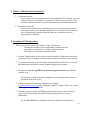
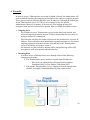
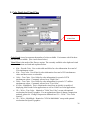
♦ Login Screen
The load balance function works with or with-out LDAP. In either case, the
“tawlbgetsys” function (documented above) will return the IP address of the “best fit”
machine based on criteria given it within the PHP web page.
♦ LDAP Method:
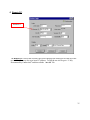
If using LDAP, the user name and password must be filled out in an initial log in page.
The user can also select the type of session he wishes to log in to (load-balanced, XDMCP,
collaboration).
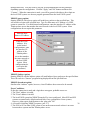
Once “Submit” is pressed, the user name and password are verified against the LDAP
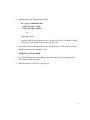
entry and passed to the next log in screen. The user need only click “Submit” to log in to
the applications server, or he may change the additional settings as desired.
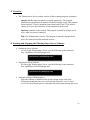
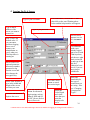
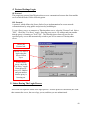
NOTE: If not using LDAP, the page below is the initial screen that the user will see.
The user will still enter the user name and password, but the ThinAnywhere server will
verify the information during the actual connection to the server.
51