1
Aton CLT615ISDN / Swisscom EN / A31008-N3101-F151-2-19/-7219/-7719/-7619 / answering_m.fm / 18.02.11
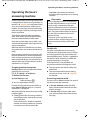
Operating the base's answering machine
Playing back messages
The date and time of each message is logged
(provided this has been set, ¢ page 114)
and displayed during the playback. If Calling
Line Identification is activated, the caller's
number or name is displayed. If the caller's
number is saved in the directory, their name
is displayed. For more information about the
display ¢ page 42.
Version 4, 16.09.2005
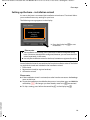
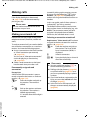
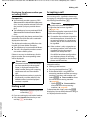
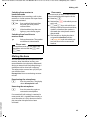
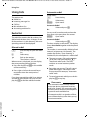
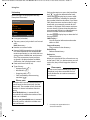
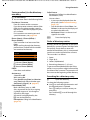
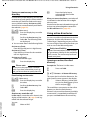
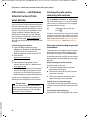
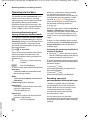
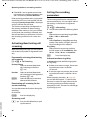
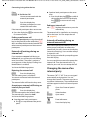
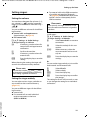
Playing new messages
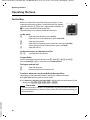
New messages that have not yet been
played back are indicated by the à icon in
the second display line and by the f key
flashing.
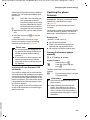
f
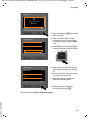
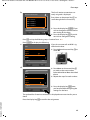
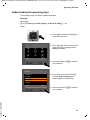
Press the message key.
Answer Mach. 1: / Answer Mach. 2: /
Answer Mach. 3:
Select an answering machine
from the list and press §OK§.
Or:
ü
Press the play key.
q
If necessary, select an answering
machine and press §OK§.
Or:
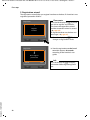
v ¢ Ì ¢ Play Messages
q
If necessary, select an answering
machine and press §OK§.
Only the local answering machines that
share a receive connection with the base are
displayed.
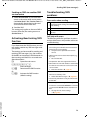
The speaker on the base is activated.
If there are new messages, playback then
begins with the first new message. After the
last new message, you will hear the end tone
and an announcement stating how much
recording time remains.
If the message has been saved with the date
and time, you will hear an appropriate
announcement before playback begins.
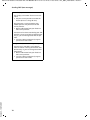
All stored messages are played back regardless of the associated receive connection.
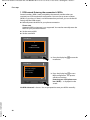
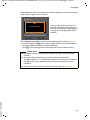
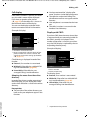
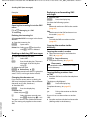
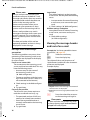
During playback, the entries in the answering machine list are shown on the display.
84
After the entry time and date have been
played back (after approx. 3 seconds), a new
message assumes the status "old".
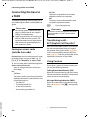
Playing old messages
If there are no more new messages, you can
start playing older messages as described in
"Playing new messages" on page 84.
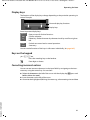
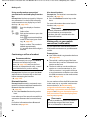
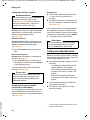
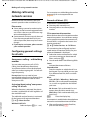
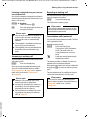
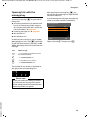
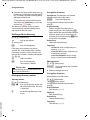
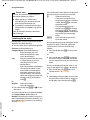
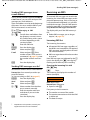
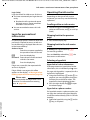
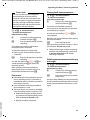
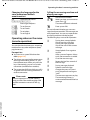
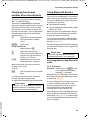
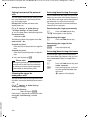
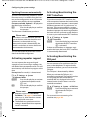
Stopping and controlling playback
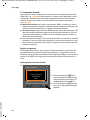
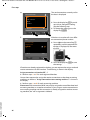
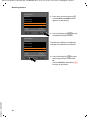
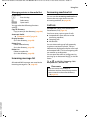
During message playback:
2/w
Stop playback. Press 2 / w
again to resume or
§Options§
Press the display key.
To continue select Continue
and press §OK§.
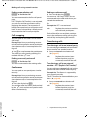
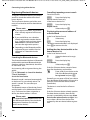
h (press and hold) or During time stamp playback:
Skip to previous message.
During message playback:
Skip to the start of the current
message.
h (briefly press) or 4
During time stamp playback:
Skip to previous message.
During message playback:
Repeat the last five seconds of
the current message.
s or 3 Go to the next message.
If playback is interrupted for over a minute,
the answering machine returns to idle status.
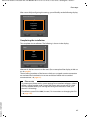
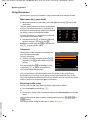
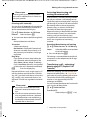
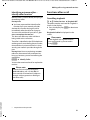
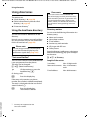
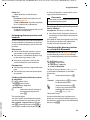
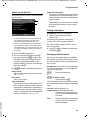
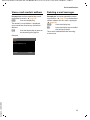
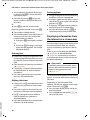
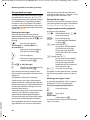
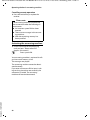
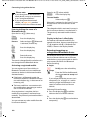
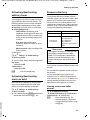
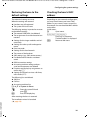
Marking a message as "new"
A previously played back "old" message is
displayed as a "new" message again.
During message playback or pause:
*
Press the star key.
Or:
§Options§
Open menu.
Mark as New
Select and press §OK§.
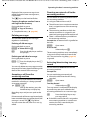
An announcement informs you of the message's new status.