1
Aton CLT615ISDN / Swisscom EN / A31008-N3101-F151-2-19/-7219/-7719/-7619 / netservices.fm / 18.02.11
Making calls using network services
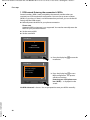
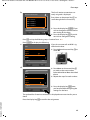
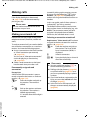
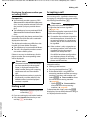
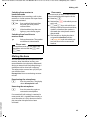
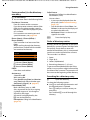
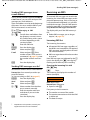
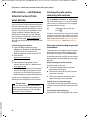
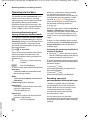
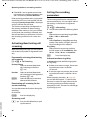
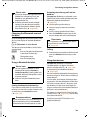
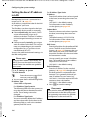
Setting up a busy signal for
when the MSN is being used
(Busy on Busy)*
This setting allows callers to get a busy tone
immediately when an external call is already
being made on the MSN called, regardless
of the setting Call Waiting (¢ page 47).
Call waiting will not be signalled.
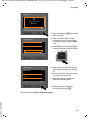
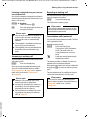
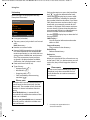
v ¢ Ç Select Services
Busy on Busy
Select and press §OK§ (³ = on).
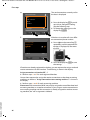
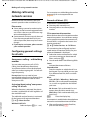
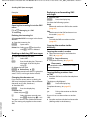
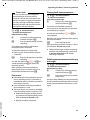
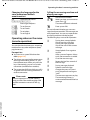
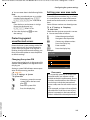
Configuring settings for the
next call
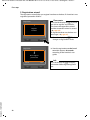
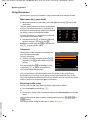
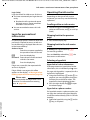
v ¢ Ç Select Services ¢ Next Call
¢ Keypad Control
~
§Dial§
Select and press §OK§.
Enter phone number.
Press the display key or pick up
the receiver. The number is
dialled.
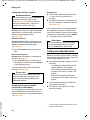
Configuring settings during
an external call
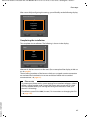
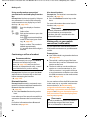
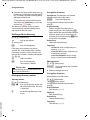
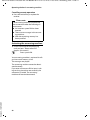
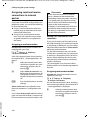
Initiating ringback when busy/no
answer
Please note
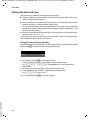
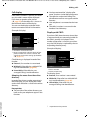
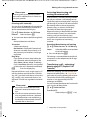
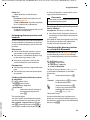
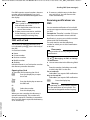
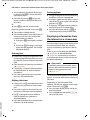
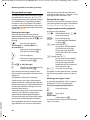
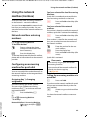
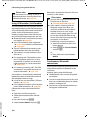
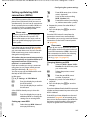
Activating "anonymous calling" for
the next call
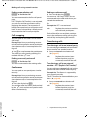
You can withhold your phone number for
the next call (CLIR = Calling Line Identification Restriction). The setting applies to all
the phone's connections.
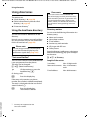
In idle status:
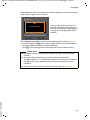
v ¢ Ç Select Services
¢ Next Call ¢ Withhold Number
Select and press §OK§.
~
Enter the number or copy from
the directory.
§Dial§
Press the display key or pick up
the receiver. The number is
dialled.
Generally, you can withhold your number for
all calls (¢ page 46).
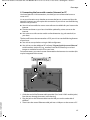
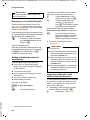
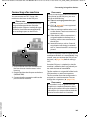
Activating/deactivating the
keypad function for the next call
Version 4, 16.09.2005
The keypad function allows you to control
certain features by entering sequences of
characters and digits. For keypad control see
page 123.
You can temporarily activate keypad control
for the next call.
48
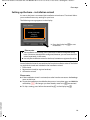
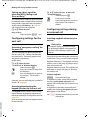
A ringback display key/menu function
for activating ringback only appears on
the base if the exchange supports this
feature.
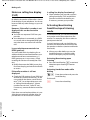
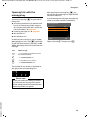
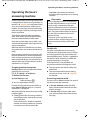
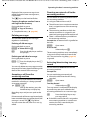
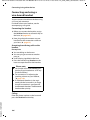
If the person you are calling does not answer
or their line is busy, you can initiate ringback.
Ringback when busy: The ringback will take
place as soon as the party in question terminates the current call.
Ringback when no answer: The ringback will
take place as soon as the party in question
has made a call.
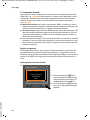
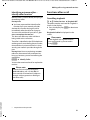
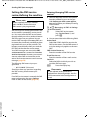
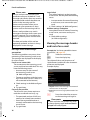
Initiate ringback:
§Ringback§
Press the display key.
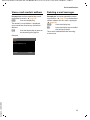
If ringback has been successfully activated,
the message Ringback activated is displayed. The call is ended. The base returns to
idle status.
If ringback has not been successfully activated in the exchange, Ringback not possible! appears in the display.
& / T Replace the receiver or press the
red end key.