1
5
The Proof Obligation Explorer
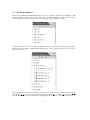
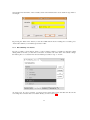
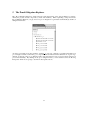
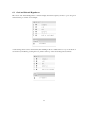
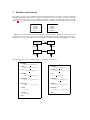
The ”Proof Obligation Explorer” window has the same main entries as the ”Project Explorer” window,
namely the projects and its components (context and machines). When expanding a component in the
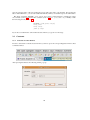
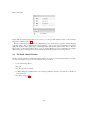
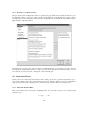
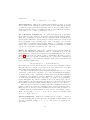
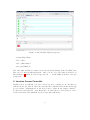
Proof Obligation Explorer you get a list of its proof obligations as generated automatically by the Proof
Obligation Generator:
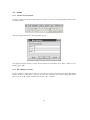
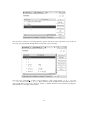
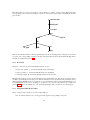
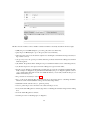
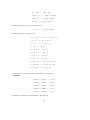
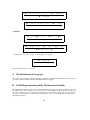
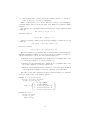
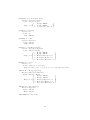
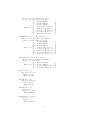
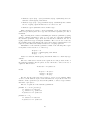
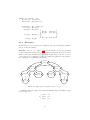
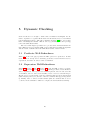
As can be seen in this screen shot, machine ”celebrity 1” of project ”celebrity” is expanded. We find seven
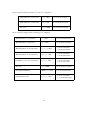
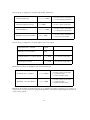
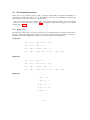
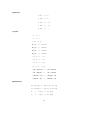
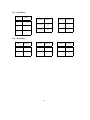
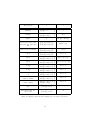
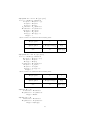
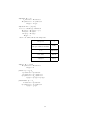
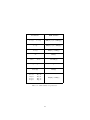
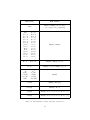
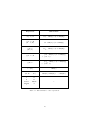
proof obligations. Each of them has got a compound name as indicated in the tables below. A green logo
situated on the left of the proof obligation name states that it has been proved (an A means it has been
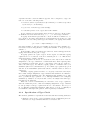
proved automatically). By clicking on the proof obligation name, you are transferred into the Proving
Perspective which we are going to describe in subsequent sections.
31