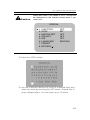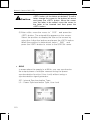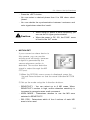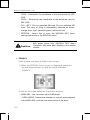
1
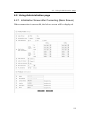
Network Camera SNC-570 2. Select a desired function using the Up and Down buttons. y Place the cursor over a desired item. 3. Set up a selected item by using the Left and Right buttons. 4. To finish the setting, select ‘EXIT’ and press the SET button. 5. Press the OSD button to quit OSD. Caution An item with the icon also has sub menus. To select a sub menu, select an item with the icon and press the SET button. An item with the - - - icon is unavailable due to function settings. 5.2.1. LENS Using this function, you can control screen brightness. 1. Select the lens of the DC or Video by adjusting the relevant switch on the back of the product. 2. When the SETUP menu screen is displayed, select LENS by using the Up and Down buttons so that the arrow indicates LENS . 3. Select the connected lens type by using the Left and Right buttons. (DC ↔ MANUAL, VIDEO ↔ MANUAL) 92