1
3— Software Installation - CD ROM Installation
CD ROM Installation
The SCT 3000 CD is designed to automatically start the installation utility when you
insert it in your computer's CD drive. On-screen prompts should guide you through the
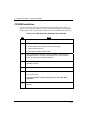
install program. Follow the procedure in Table 4 to run the installation utility and setup.
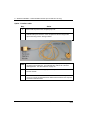
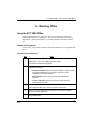
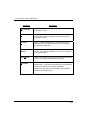
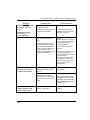
Table 4 SCT 3000 Application Installation from CD ROM
Step
Action
1
Insert the SCT 3000 CD into the CD-ROM drive.
2
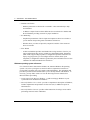
If the SCT 3000 Installation Utility does not start after several seconds:
• On the desktop of the computer, click on “My Computer”
• Click on the CD drive icon.
The SCT 3000 Installation Utility will start.
3
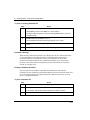
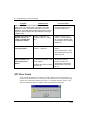
The Installation Utility will lead you through installation of the SCT 3000
application software. On-screen prompts allow you to choose options on
where you want the SCT application installed.
4
Follow the on-screen instructions and answer the prompts to install the
application software.
5
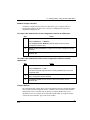
Wait for the Setup Complete dialog box to appear.
6
Remove the CD from the CD-ROM drive.
Click “Finish” to exit.
You must restart the computer before you can run the SCT 3000
application.
7
12
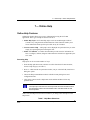
Go to Section 4 – Hardware Installation to assemble and install the SCT 3000
hardware.
SCT 3000 Installation and Start-Up Guide
Release 6
06/08