1
Medikro Windows Spirometer
Page 10 of 81
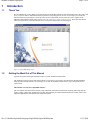
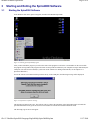
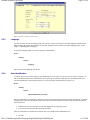
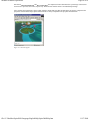
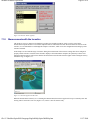
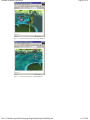
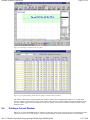
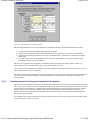
Figure 3-3. User Identification screen after starting the Spiro2000 program.
You have to type in at least 2 characters (initials of your name) in the "User name" field and then click Log On. For more
information about the user identification options, see the chapter 4.2.6 User Identification.
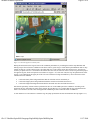
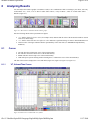
After the operator has entered the user name the program will activate the opening view.
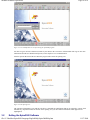
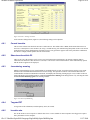
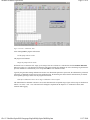
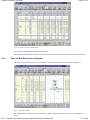
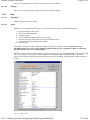
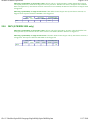
Figure 3-4. The Opening View.
The operation of Spiro2000 is easy and fast. All the key commands are push buttons that can be selected by a mouse click.
Alternatively, drop down menus are offered. At the opening view you can continue with buttons which appear active
(highlighted).
3.2
Exiting the Spiro2000 Software
file://C:\Medikro\Spiro2000\Language\English\Help\Spiro2000Help.htm
11/17/2009