1
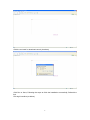
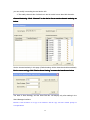
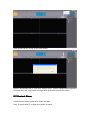
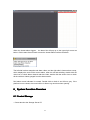
Remark: Click the button of "Copy to all channels" and the copy will start without prompt of
accomplishment
5.5.2 Channel Group
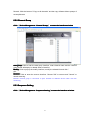
Device Management - Channel Group
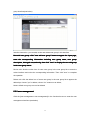
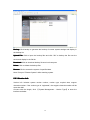
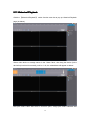
Click 【Device
Group】 to enter the interface as below
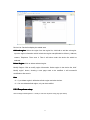
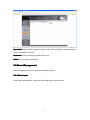
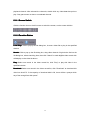
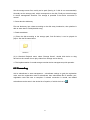
Add group: Click to inter the add group interface, enter channel name and the channel
group saved will display in related areas of area list.
Modify: Click to pop up the modify interface, modify the related info and click "
OK"
Remove: Click to enter the remove interface. Choose "OK" to remove and "Cancel" to
cancel removing.
Remark: Channel group is convenient to open channels of different devices when real time
monitoring
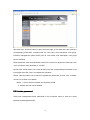
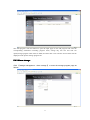
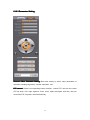
5.5.3 Sequence Setting
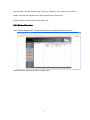
Device Management - Sequence Setting
to enter the interface as below
Click 【Device
Setting】to
21