1
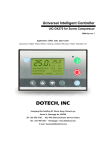
UIC-CX9330A Series
User’s Manual Rev 1.0
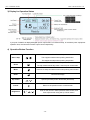
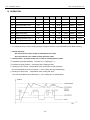
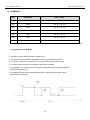
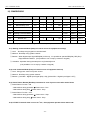
6) Symbol Explanation
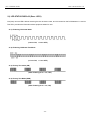
6-1) Equipment Status Display
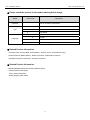
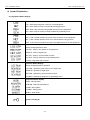
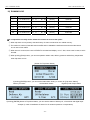
Start / Stop Mode Status Display
LOC : Start /Stop using start / stop key on the equipment
NET : Start / Stop from PC or remote device using protocol
REM : Start / Stop remotely using digital input port on the equipment
SCH : Start / Stop according to setup schedule of [Schedule] menu
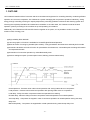
Load Operation Mode Display
PRE : Load / Unload operation by press. value of sensor on the equipment
NET : Load / Unload operation from PC or remote device using protocol
REM : Load / Unload operation remotely using digital input port on the equipment
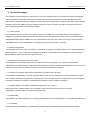
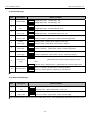
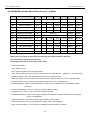
Stop Status Display
Display during equipment’s stop
LOC STP : Stop by stop button on the equipment
REM STP : Stop by digital input
NET STP : Stop by communication function
SCH STP : Stop by setup time on [Schedule] menu
S.D STP : Stop when trip occurred
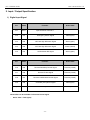
Operation Status Display
Display during equipment’s operation
LOC RUN : Operate by start button on the equipment
REM RUN : Operate by digital input
NET RUN : Operate by communication function
SCH RUN : Operate by setup time on [Schedule] menu
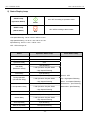
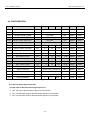
Equipment Status Display
GOOD : Normal status
MAINTEN : Required maintenance
ALARM : Alarm status
S-DOWN : Sensing fault
INHIBIT : Start inhibit
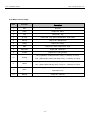
System Lock Signal
- 21 -