1
Managing Document Files
5
Sending a Part of the Image to the Clipboard
In order to send a part of the image to the clipboard in order to paste it into
another application, follow the steps mentioned below.
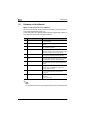
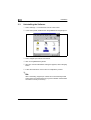
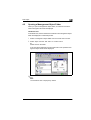
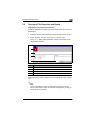
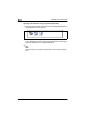
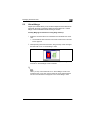
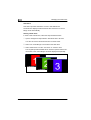
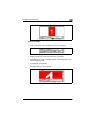
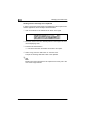
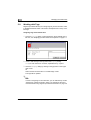
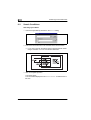
1 Click on the button in the marker bar as shown in the figure.
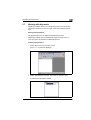
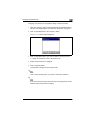
2 Move the mouse cursor to a desired position on the image in the “Document Displaying” field.
3 Press the left mouse button.
H
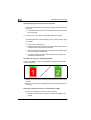
Hold down the button and select the section to be copied.
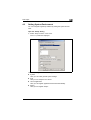
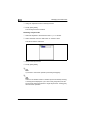
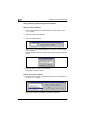
4 Select “Copy” from the “Edit” menu or “Context” menu.
The part of the image selected is sent to the clipboard.
Note
Markers will not be transferred to the clipboard even if they are in the
area of the image selected.
5-24