1
∇ UPnP
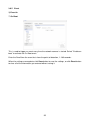
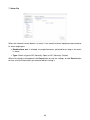
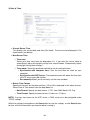
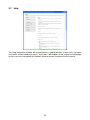
The network camera includes support for UPnP. UPnP is enabled by default, so the network
camera is automatically detected by operating systems and clients that support this protocol.
Enter a name in the Friendly name field.
NOTE: UPnP must be installed on your workstation if running Windows XP. To do this,
open the Control Panel from the Start Menu and select Add/Remove Programs. Select
Add/Remove Windows Components and open the Networking Services section. Click Details and then select UPnP as the service to add.
When the settings are complete, click Save button to save the settings, or click Reset button
to clear all of the information you entered without saving it.
69