1
EasyBuilder 500 User Guide
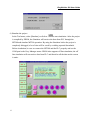
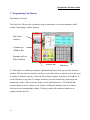
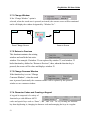
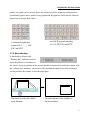
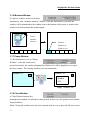
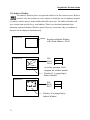
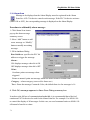
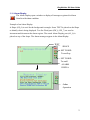
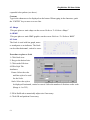
Fast Selection window : The fast selection window is the window invoked by task button,
this window will be displayed on the screen unless it is closed by task button.
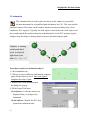
Common window : The common window will always be displayed on the screen. It is
convenient to register those objects need to be displayed on the screen at all times in the
common window.
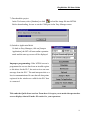
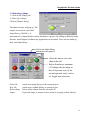
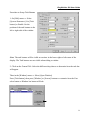
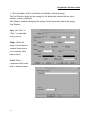
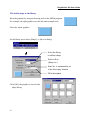
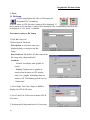
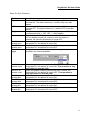
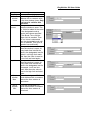
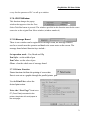
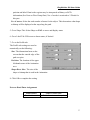
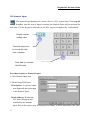
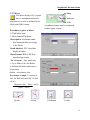
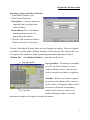
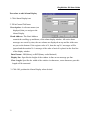
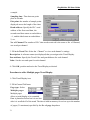
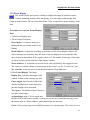
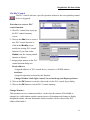
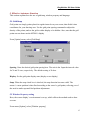
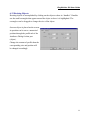
Setup the window properties as
follows:
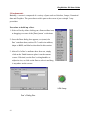
Name: Give each window a unique
name in order to identify it.
Window No: valid window number
from 10 to 999
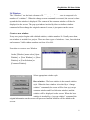
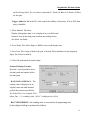
Start Pos.: When this window is
popped up by the function key with
“window pop up” attribute, the up-right corner of the window will be displayed in this
position.
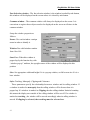
Size: Set appropriate width and height if it is a pop up window, set full screen size if it is a
base window.
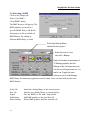
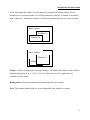
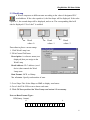
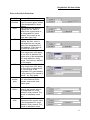
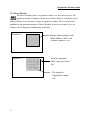
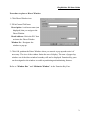
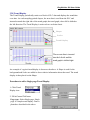
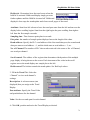
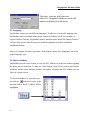
Style: Tracking, Monopoly ,Clipping and Coherence
Those parameters specify the relationship between a window and its calling window. If
a window is marked as monopoly then the calling window will be frozen when it is
popped up. If a window is marked as Clipping then the calling window limits its boundary,
this means the display area outside of the calling window will be cut off. If a window is
marked as tracking , the window will be moved accordingly when its calling window is
moved. If clipping is selected, the tracking must be selected too.
32