1
Tree structure
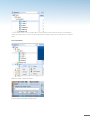
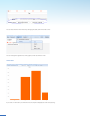
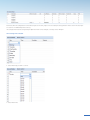
Click on “Options” and “Tree”.
“Expand all” – shows all users, catalogues, measurement and control units.
“Collapse all” – shows only the user you are logged in as.
“Reload Tree” – reloads the tree if you have added something or searched for a certain meter and want to return to the
original tree.
4.1 Identification
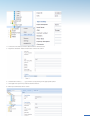
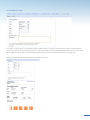
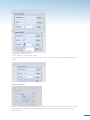
Click on “Options”
Select how the meter should be shown in the left column.
5