1
User’s Manual
5. Main Menu
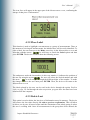
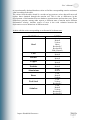
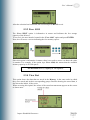
To access the Main menu, the user must press the MENU key in the Measurement
screen. He will then find the following menu with its different options:
5.1 Settings
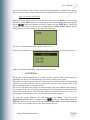
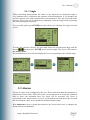
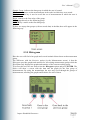
By selecting this option, the user will configure several measurement-related
parameters, such as: Material, Unit and Angle of Measurement. To access this option,
he must press ENTER on it. He will then find the following screen with the abovementioned options.
5.1.1 Material
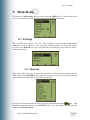
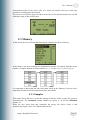
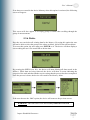
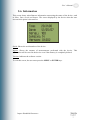
This option allows the user to select the material on which the measurements will be
made. By pressing ENTER on the respective option, the user will access the following
screen where he will be able to select the test material.
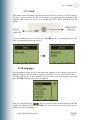
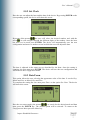
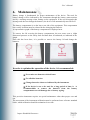
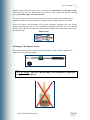
In order to select the material, the user must only scroll with the arrows
to find
the desired material and then press ENTER. The device will change the material and
return to the Settings Menu.
Impact Handheld Durometer
Page 14