1
Support
6
Support
6.1
Email To Support
89
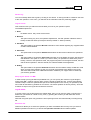
Are you having problems? Do you wish to ask support?
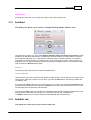
From inside the program go to the Options tab and then click on the Email To Support button to leave
a message for tech support.
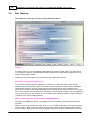
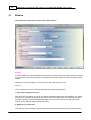
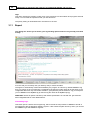
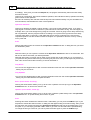
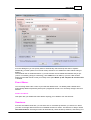
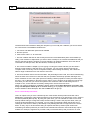
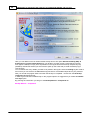
This dialog box allows you to email a problem report to our support team.
You can enter this dialog by pressing the Email To Support button in the Options tab. This is our
suggested way to handle any request to us. This method allows our support Team to have the big
picture about the problem and solve it quickly. Please leave all options active so that we will have all the
details. Omitting the files could led to subsequent requests by our support Team in order to better
understand the problem and have further details.
Your Email address.
If you are using a license version then this field will be automatically filled with data from the license
itself.
If you do not have a license yet, please put in your email address so that we can reply to your request.
Your Name / Surname.
© 2015 GRSoftware