1
Viewing Pictures by Date
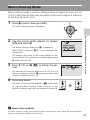
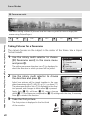
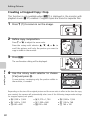
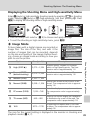
In calendar mode or list by date mode, pictures taken on a specified date can
be displayed. When m is pressed, the calendar menu or the list by date
menu is displayed, and all pictures taken on a specified date can be selected
for deletion, printing, protection, and transfer.
Selecting a Date in Calendar Mode
1
2
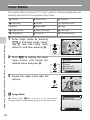
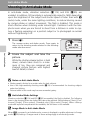
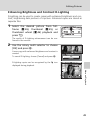
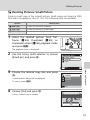
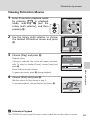
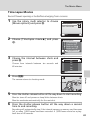
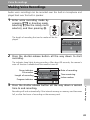
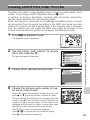
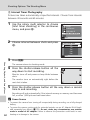
Enter calendar mode by pressing
C in playback mode, selecting J (use the rotary multi
selector), and then pressing d.
Calendar
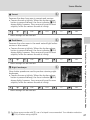
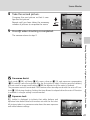
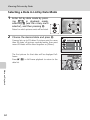
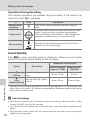
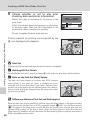
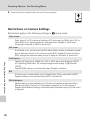
Choose the desired date and press d.
Dates for which pictures exist are underlined in yellow.
Press t (j) to view previous month, press v (k) to
view following month.
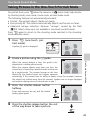
3
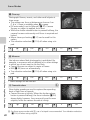
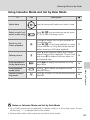
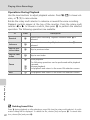
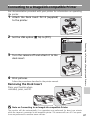
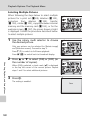
Press t (j) in full-frame playback to return to calendar mode.
10/07/2007 15:30 M
0004.JPG
E
1
O
3
More on Playback
The first picture for that date will be displayed fullframe.
53