1
IP Camera User’s Manual
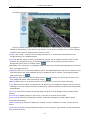
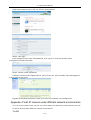
PTZ Control
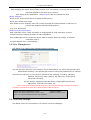
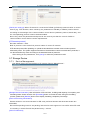
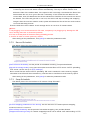
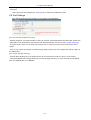
Lens Control
Video Parameters
4 Record playback
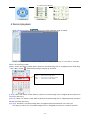
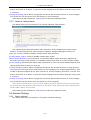
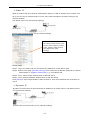
Click [Playback] button:
, enter into video playback page as follow:
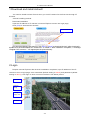
Users can search for recorded image files or snapped pictures in local PC or storage
device according to date.
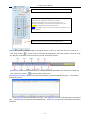
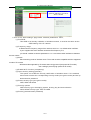
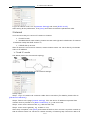
[Date]: Users can select certain date to perform recorded image file or snapped picture searching,
click “date” button
, data selection page will pop up as follow:
Click
Click
Click
Click
“《 ”icon
“ 》 ”icon
“〈 ”icon
“ 〉 ”icon
to
to
to
to
turn
turn
turn
turn
to
to
to
to
previ ous year
next year
previ ous m onth
next m onth
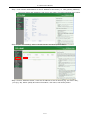
[Local]: Users can select certain date to perform recorded image file or snapped picture (stored in
local PC) searching.
[Device]: Users can select certain date to perform recorded image file or snapped picture (stored in
device SD card) searching.
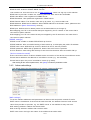
[File List]: Shows the recorded image files or snapped pictures searched in the File List.
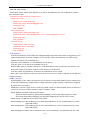
The way to search for recorded image files or snapped pictures of a specific period:
6/31