1
analysis features.
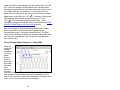
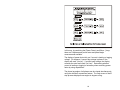
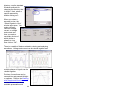
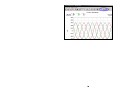
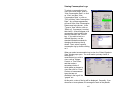
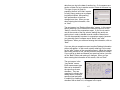
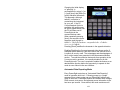
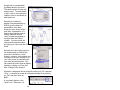
You can easily transform any waveform into either a graph of
harmonic data or a view the raw data for each harmonic and K
factor. To convert a waveform
(“time domain” representation)
into a harmonic graph
(“frequency domain”
representation), click on the
Harmonic Graph icon or click on
“View” then “Harmonic Graph”.
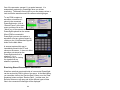
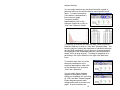
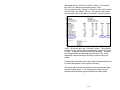
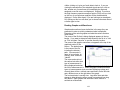
To transform a waveform into harmonic data, either click on the
Harmonic Data icon or click on “View” then “Harmonic Data”. You
have the choice of viewing the amplitudes of individual harmonics
as either RMS amplitudes (Vrms or Arms) or as a percentage of
the magnitude of the fundamental harmonic (the fundamental is
always 100% as large as itself). To change to magnitude or to
percentage, click on the little box to the right of the harmonics
icons.
To transform back from one of the
harmonic presentations into a
waveform presentation, either click
on the Waveform icon or click on
“View” then “Waveform”.
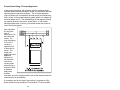
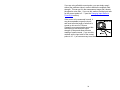
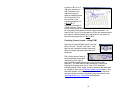
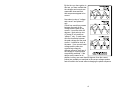
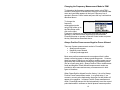
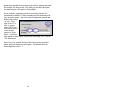
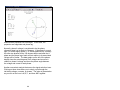
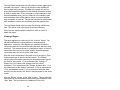
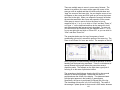
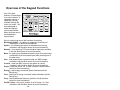
You can easily display a phasor
diagram of the signals by either
clicking on the phasor icon or clicking
on “View” and then “Phasor Diagram”.
Phasor diagrams present each
voltage and current as a vector on a
graph. A vector combines two
97