1
Note:
You can also change the magnified view and magnification level
settings in the Display dialog box.
Focus Enhancements
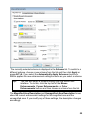
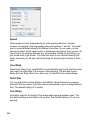
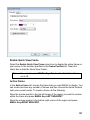
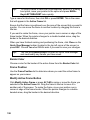
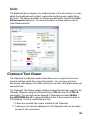
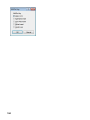
Use Focus Enhancements to place a colored rectangular border around the
item that currently has focus, such as menus, buttons or other controls. This
assists you in locating and tracking the system focus.
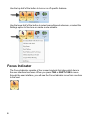
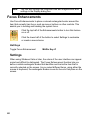
Click the top half of the Enhancements button to turn this feature
on or off.
Click the lower half of the button to select Settings to customize
or create a new scheme.
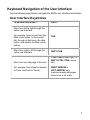
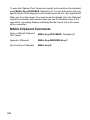
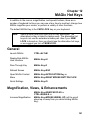
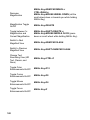
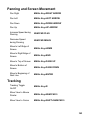
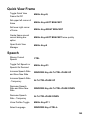
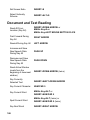
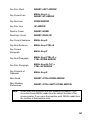
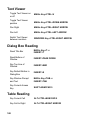
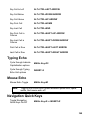
Hot Keys
Toggle Focus Enhancement
MAGic Key+F
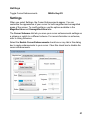
Settings
When using Windows Vista or later, the colors of the user interface can appear
muted and difficult to distinguish. The Focus Enhancement function lets you
define a visible rectangular border that identifies and tracks the item that is
currently selected on the screen. As you select different items, using either the
mouse or keyboard, the rectangular border moves its focus to that place on the
screen.
60