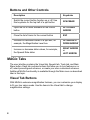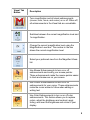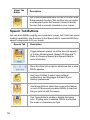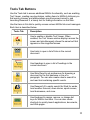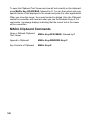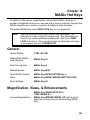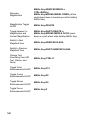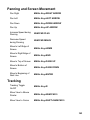
1
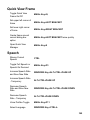
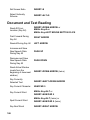
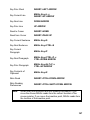
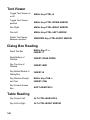
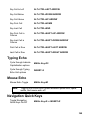
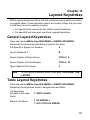
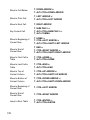
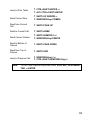
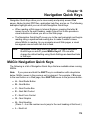
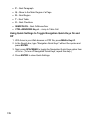
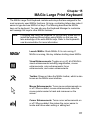
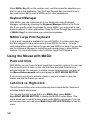
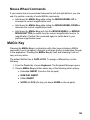
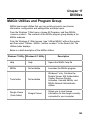
Chapter 13 Layered Keystrokes MAGic layered keystrokes offer a fast and convenient way to perform an action or navigate tables. These keystrokes reduce the number of keys that you need to hold down at once to perform an action. For specific Word commands, see Word Layered Keystrokes. For specific Excel command, see Excel Layered Keystrokes. General Layered Keystrokes Press and release MAGic Key+SPACEBAR or INSERT+SPACEBAR, followed by the keystrokes listed below to perform the action. Full Speech or Speech On Demand S Launch Research It R Screen Capture of Entire Screen CTRL+C, S Screen Capture of Active Window CTRL+C, W Open Clipboard Text Viewer C Note: To exit Layered Keystroke mode, press ESC, SPACEBAR, TAB, or ENTER. Table Layered Keystrokes Press and release MAGic Key+SPACEBAR or INSERT+SPACEBAR, followed by the keystrokes below to navigate and read tables. List Keystrokes Available in this Layer (Help) T, SHIFT+SLASH Move to Cell Above T, UP ARROW or T, ALT+CTRL+UP ARROW 171