1
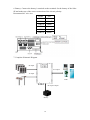
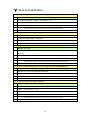
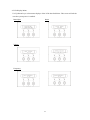
Output Power
Temperature
History Record
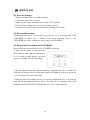
5. Input Voltage Range Setting
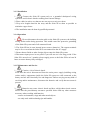
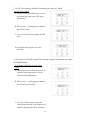
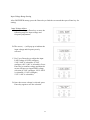
After INVERTER startup, press the Down-key to find the screen and then press
Enter-key for setting.
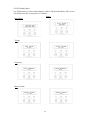
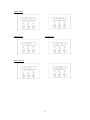
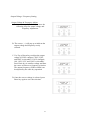
Input Voltage Adjust
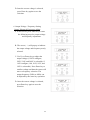
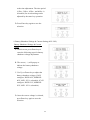
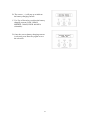
A. In this screen, press Enter-key to enter
the following steps for input voltage
and frequency adjustment.
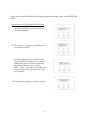
B. The cursor (→) will pop up to indicate
the input voltage and frequency newly
selected.
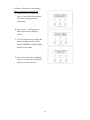
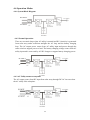
C. Use Up or Down-key to adjust the
input LOW voltage (if 220V configure,
120V~200V is selectable; if 110V
configure, 60V~100V is selectable).
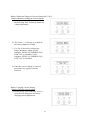
Press Enter-key to confirm voltage and
then the cursor will move to input
HIGH voltage selection (if 220V
configure, 250V~280V is selectable; if
110V configure, 125V~140V is
selectable).
21