1
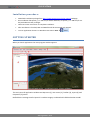
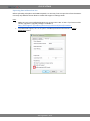
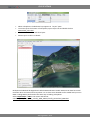
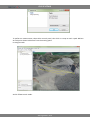
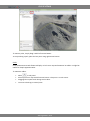
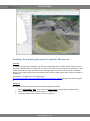
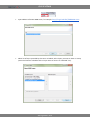
GIS SPUTNIK When orthophoto is loaded new layer appears in “Layers” pane. To move map to the location of orthophoto, open Layers tree and double click on Switzerland_ortho.kml. Use checkboxes to hide and show layers. Zoom map in to view it in details: Orthophoto loaded will be aligned with default SRTM elevation model. SRTM terrain data have areal resolution 90 m and vertical accuracy about 1 m. To have more detailed surface model load your own DEM. Loading DEM is performed in the same way as loading orthophoto: Select Import Maps > KML in user menu and choose: orthofoto_and_DEM/quarry_sensefly_DEM_90mm/sensfly_Switzerland_DEM.kml: www.geoscan.aero










![SpeedAngle SA to KML Converter User Manual [April 2013]](http://vs1.manualzilla.com/store/data/005858940_1-650ff431a5d53db72218f3209001fa9f-150x150.png)