1
3 SFC PROGRAM EDITING
MELSOFT
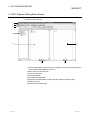
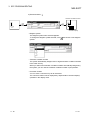
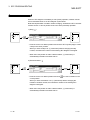
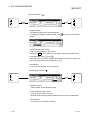
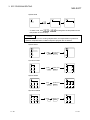
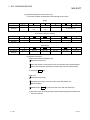
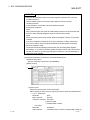
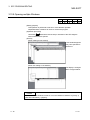
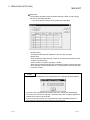
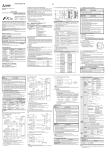
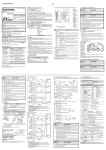
(2) SFC diagram editing screen make-up
Column number
1
1
2
3
(Note display area)
0 Alias
0
Device
comment
SFC
comment
3
2
3
0
1
2
SFC
comment
4
1
5
1
Row
number
B1
Step number
2
0
2
Start destination
block number
Transition
number
Jump destination
step number
In-ZOOM ladder
step number
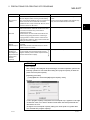
POINT
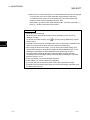
• The Zoom-side display shows the operation output/transition condition at the
cursor position in the SFC diagram.
• Some menus that may be selected/operated change depending on whether the
cursor is on the SFC diagram side or on the Zoom side.
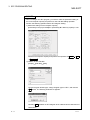
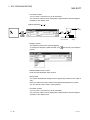
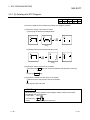
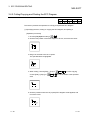
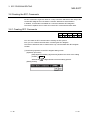
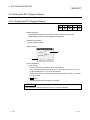
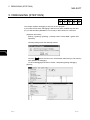
• Perform the following operation to show the SFC chart in the specified block.
1. Move the cursor from [View] [Display block list] any display block
position, and press the [Enter] key.
2. Choose [View] [Display block list] any block position, and double-click
that position.
3. Choose [Find/Replace] [Find step no./block no.] any block No., and
specify it.
4. Press the space key on the block starting step in the SFC chart.
5. Move the cursor from [Window] data name, and press the [Enter] key.
6. Move the cursor from [Window] data name, and double-click it.
3 - 12
3 - 12