1
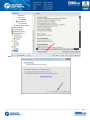
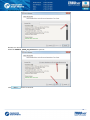
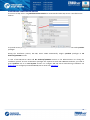
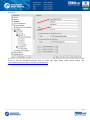
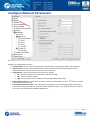
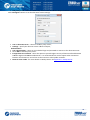
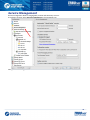
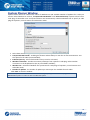
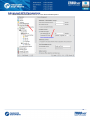
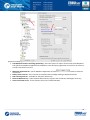
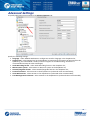
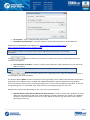
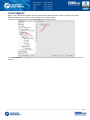
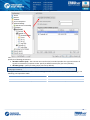
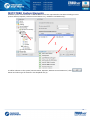
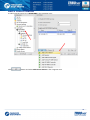
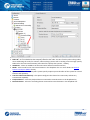
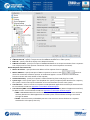
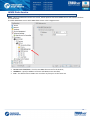
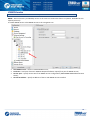
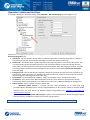
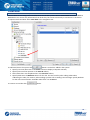
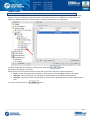
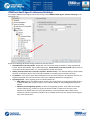
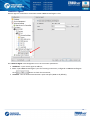
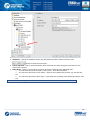
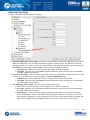
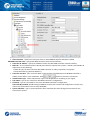
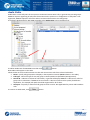
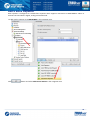
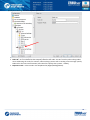
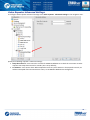
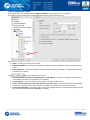
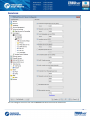
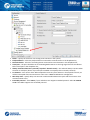
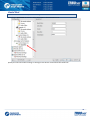
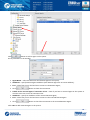
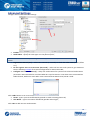
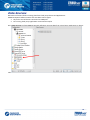
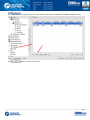
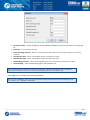
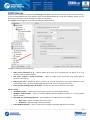
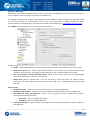
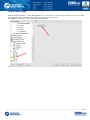
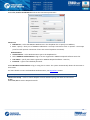
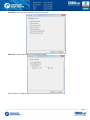
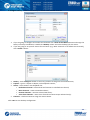
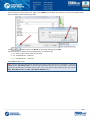
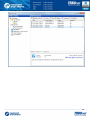
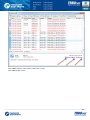
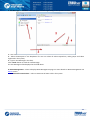
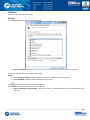
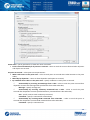
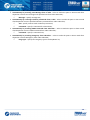
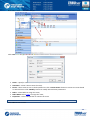
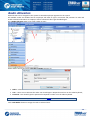
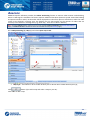
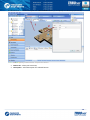
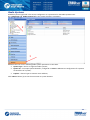
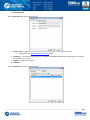
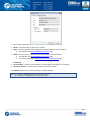
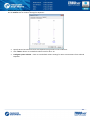
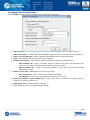
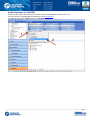
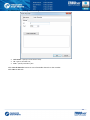
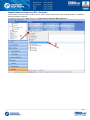
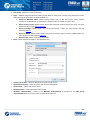
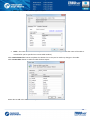
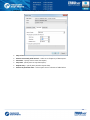
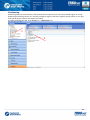
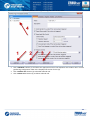
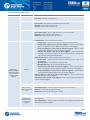
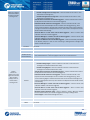
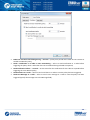
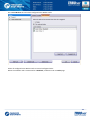
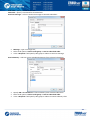
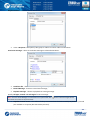
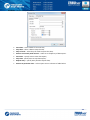
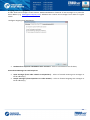
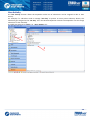
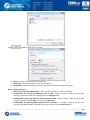
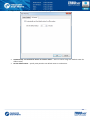
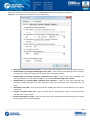
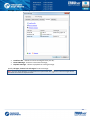
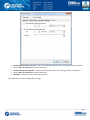
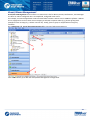
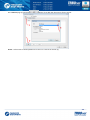
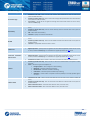
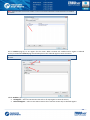
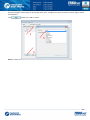
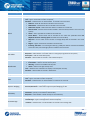
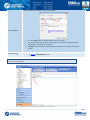
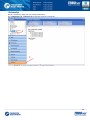
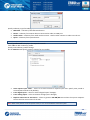
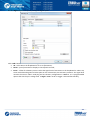
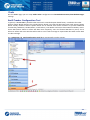
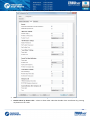
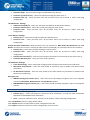
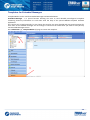
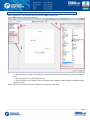
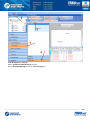
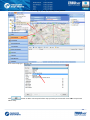
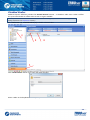
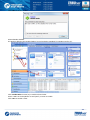
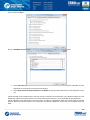
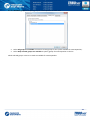
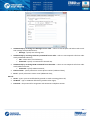
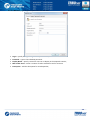
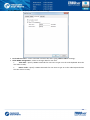
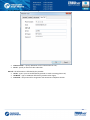
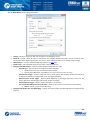
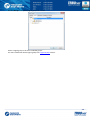
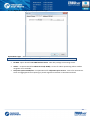
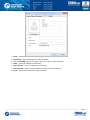
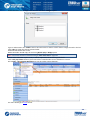
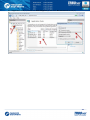
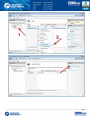
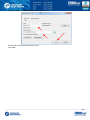
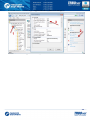
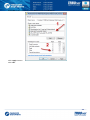
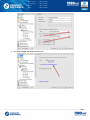
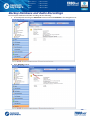
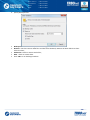
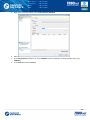
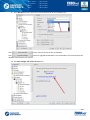
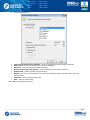
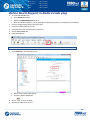
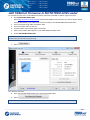
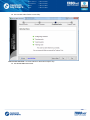
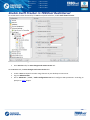
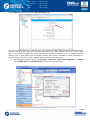
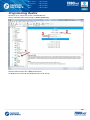
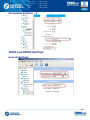
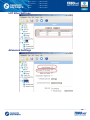
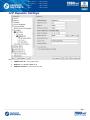
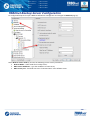
On the «Access Rights» tab specify available options for new Dispatcher. Check options allowed to Dispatcher in the list of Access Rights: On the «Available Control Station» tab specify Controls Station available for new Dispatcher: Select All Control Stations are available to make all Control Stations in the system available for new Dispatcher to transmit and receive Voice and Data; Select Only selected Control Stations are available to specify Control Stations for new Dispatcher in the list. Check selected Control Station box in the left column to add the Control Station in the Radio interface for new Dispatcher. When the Control Station is not selected in the left column, it is not available for the Dispatcher. Check selected Control Station box in the TX column to allow new Dispatcher make Voice Calls using the Control Station. When the Control Station is not selected in TX column, Dispatcher cannot use it to transmit voice and data. 250