1
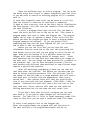
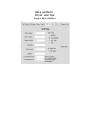
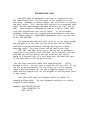
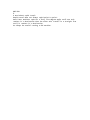
relief.
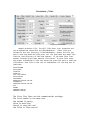
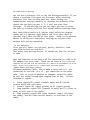
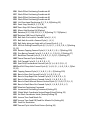
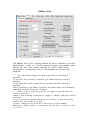
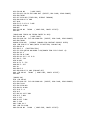
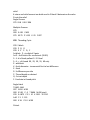
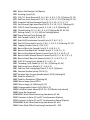
if return and relief amount are both used in 2 block X determines the valve
R- sets the relief
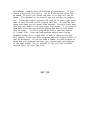
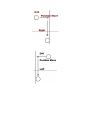
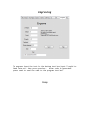
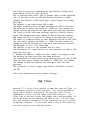
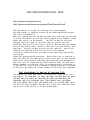
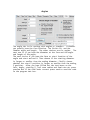
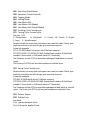
Single Groove
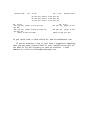
G75 X3.8 I.08 F.006
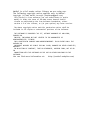
Multiple Grooves
G75
G00 X 4.01 Z.625
G75 X3.75 Z 1.125 K .25 F.007
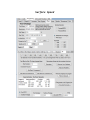
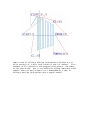
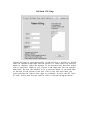
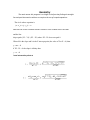
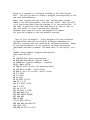
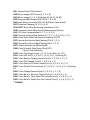
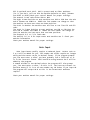
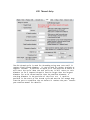
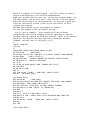
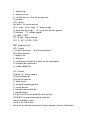
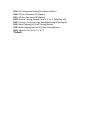
G76 Threading Cycle
G76 2 block
G76 P Q R
G76 X Z P Q F
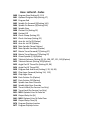
1st block P - six digit of 3 pairs
1st Z - # of finish cuts no decimal (00-99)
3 - 4 - # of leads pullout 0 - 9.9 lead
5 - 6 - < of thread 00, 29, 30, 55, 60 only
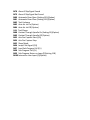
Z - add block
X - finish diameter - incremental first to last differance
Z - finish
R - X differance per side
P - Thread depth no decimal
Q - 1st cut depth
F - Feedrate ie thread pitch
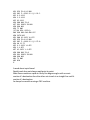
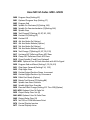
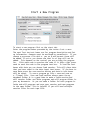
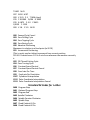
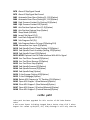
Single block
T 0600 - M41
G97 S 400 M 03
G00 X 5.01 Z -.3 T 0606 M 08 (start)
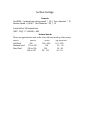
G76 X 4.875 Z 2.1 IO K .0311 D 0110
A 60 P 1 F .125
G00 X 18. Z 5.0 M 09
2 block