1
Chapter 7 – Constructions
Boundary Planes
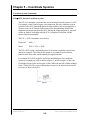
The definition of the Boundary Plane is a plane that passes through the minimum
or maximum extreme data point of a measured or constructed plane and is parallel
to that reported plane. This plane can be used in all cases in which a measured or
constructed plane is to be used such, as PCS components, constructions and
tolerance.
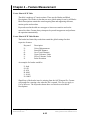
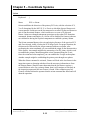
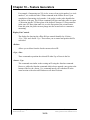
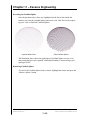
Geomet offers two directions from which you can choose, Upper and Lower. The
Upper Boundary Plane represents the plane constructed at the most positive side
of the reported pierce point. For example a plane reported at Z: +1.345 might have
an Upper Boundary Plane reported at +1.349.
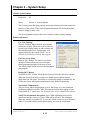
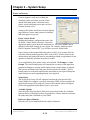
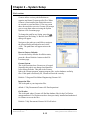
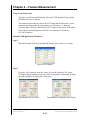
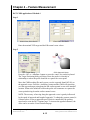
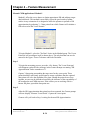
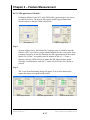
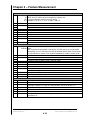
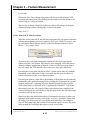
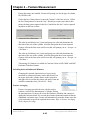
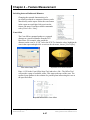
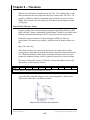
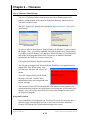
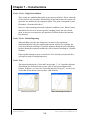
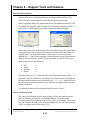
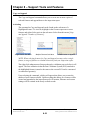
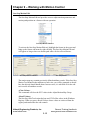
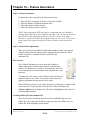
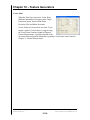
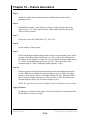
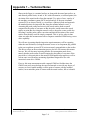
To use the feature, measure or construct a plane, select the
plane directly on the report by left-clicking the mouse over
the feature to highlight it. Activate the feature sub menu by
right clicking. Choose [Upper Boundary Plane] or [Lower
Boundary Plane] and the feature will recalculate showing the
new reported values.
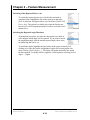
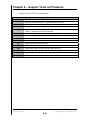
It is suggested to recall the plane, then apply the Boundary
plane change to the recalled plane. This ensures the original
plane is available for other construction or tolerance
requirements.
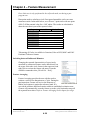
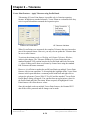
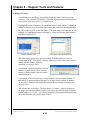
If you do not have the Upper/Lower menu selections in your pop-up, the plane
you have selected is referenced by another operation. You can only change the
reported values on planes that have no reference. However you can recall the
plane and then apply Upper/Lower Boundary Plane.
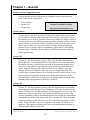
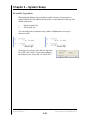
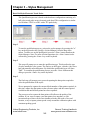
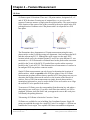
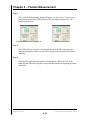
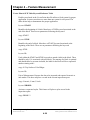
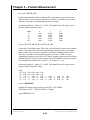
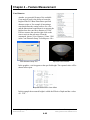
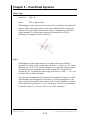
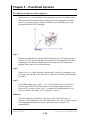
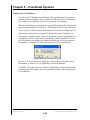
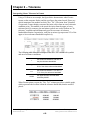
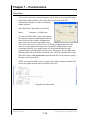
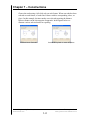
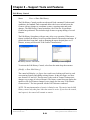
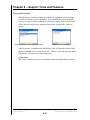
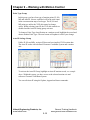
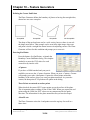
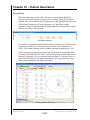
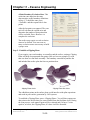
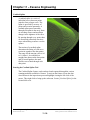
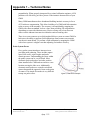
One example in which this feature can be used is to determine the width of a slot,
see figure above. Where the effective distance is the closest two points as if a
gage block were used to identify the width of a slot. Select the plane representing
one side of the slot and report it as an upper boundary plane, then select the
opposite plane and report it as the lower. Obtain the distance <s> between the
planes and that distance will represent the closest points in the slot.
Helmel Engineering Products, Inc.
www.helmel.com
Geomet Training Handbook
www.geomet-cmm-software.com
7-19