1
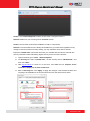
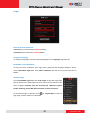
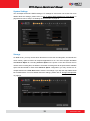
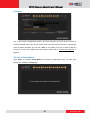
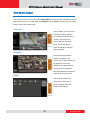
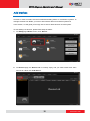
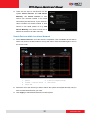
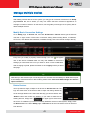
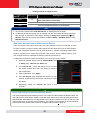
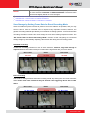
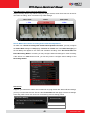
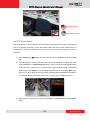
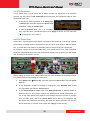
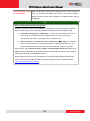
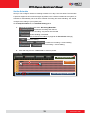
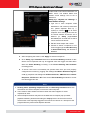
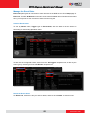
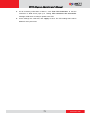
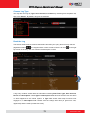
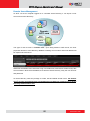
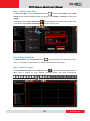
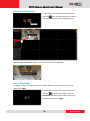
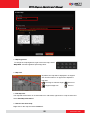
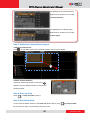
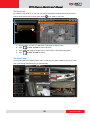
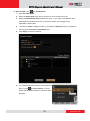
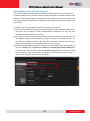
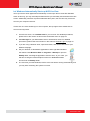
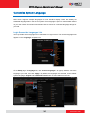
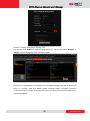
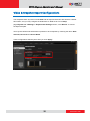
NVR 3.0 System Administrator’s Manual Login Enter Account & Password ●Account (non case-sensitive): Admin (default) ●Password (case-sensitive): 123456 (default) Change UI language To change UI language, select the desired language from “Language” dropdown list. Remember Login Information To have the server remember your Login name, password and language setting for future, check “Remember login info”. Click “Don’t remember” will clear your input text and reset to default. Set Auto Login Check “Remember login info” then “Auto Login” to skip the Login page and go directly to the main page every time you log in from this PC in the future. If your computer may be accessed by someone without proper authority, please DO NOT use either of these functions. To cancel auto-login, on title bar, click “Logout NVR” to return to login page, and this function is cancelled. 30 www.acti.com