1
Automated Playback: Slide Show
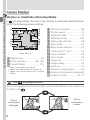
Menu Guide—Using the PLAY BACK Menu
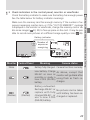
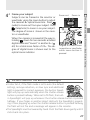
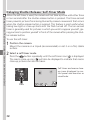
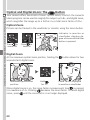
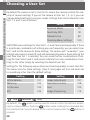
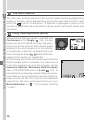
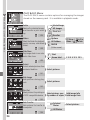
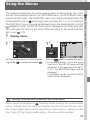
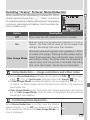
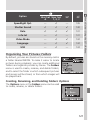
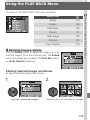
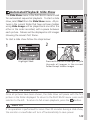
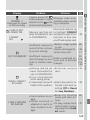
The Slide Show menu in the PLAY BACK menu is used
for automated sequential playback. To start a slide
show, select Start from the Slide Show menu. All pictures in the current folder that have not been hidden
using Hide Image will be played back one after the
other in the order recorded, with a pause between
each picture. Movies will be displayed as still images
showing the movie’s first frame.
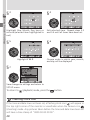
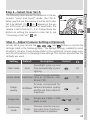
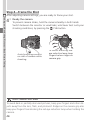
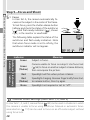
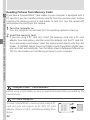
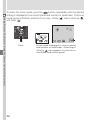
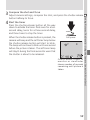
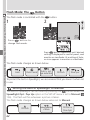
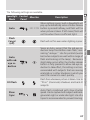
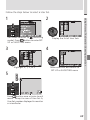
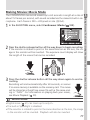
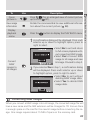
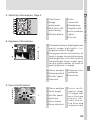
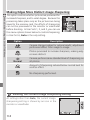
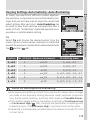
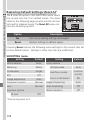
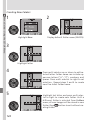
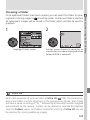
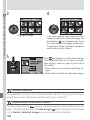
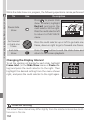
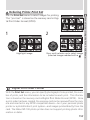
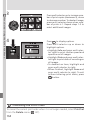
To start a slide show follow the steps below:
2
1
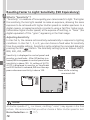
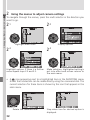
Highlight Start
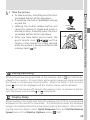
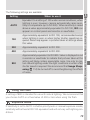
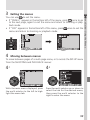
Press multi selector to the right to cycle
through all images in the current
folder except hidden images
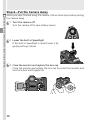
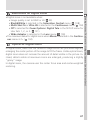
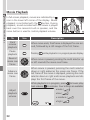
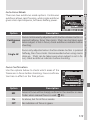
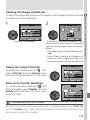
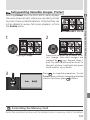
After the Slide Show
Once all pictures have been shown, the slide show will pause with the first
picture in the folder displayed. To return to the PLAY BACK menu, press multi
selector to the left. To return to full-screen playback, press the
button.
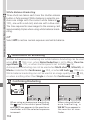
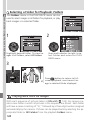
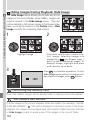
Auto Off
If no operation is performed for more than 30 minutes during a slide show,
the monitor or viewfinder will turn off automatically to save power.
149