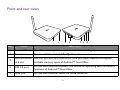
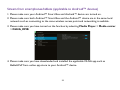
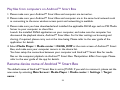
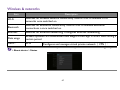
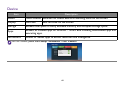
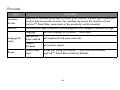
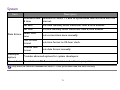
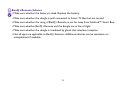
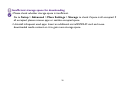
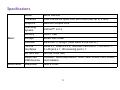
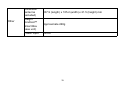
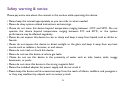
1
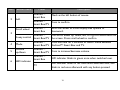
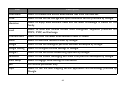
Item
2
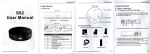
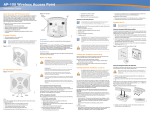
Button name
Left
Mode
Andriod™
Smart Box
Description
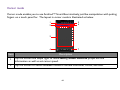
Work as the left button of mouse.
Andriod™
Press to confirm.
Smart Box/TV
Scroll wheel
Andriod™
Smart Box
4-way control
Andriod™
Push scroll wheel up, down, left, or right to select items on
Smart Box/TV the screen. Press scroll wheel to confirm.
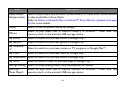
4
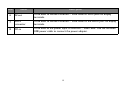
Mode
Andriod™
Press and hold for 5 seconds to switch mode between
Smart Box/TV Andriod™ Smart Box and TV.
5
Volume
up/down
Andriod™
Press to increase/decrease volume.
Smart Box/TV
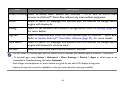
3
6
LED indicator
Scroll the wheel to move display area upward or
downward.
Andriod™
Smart Box
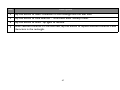
LED indicator blinks in green once when switched over.
TV
LED indicator blinks in rec once when switched over, and
blinks in red once afterward with any button pressed.
21