1
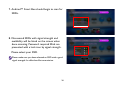
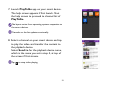
7. Launch PlayToGo app on your smart device.
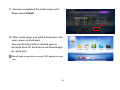
The help screen appears if first launch. Shut
the help screen to proceed to channel list of
PlayToGo.
The layout varies from operating systems respective to
the smart devices.
Channels on the list update occasionally.
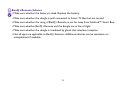
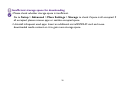
8. Select a channel on your smart device and tap
to play the video and transfer the content to
the playback device.
Select Send to for the playback device name,
which is the name you set in step 4, at top of
the screen if first stream.
Tap
to stop video playing.
51