1
Dealing with the Ever Constant Tides of Change
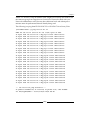
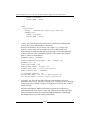
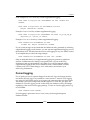
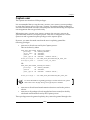
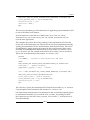
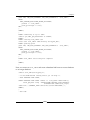
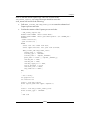
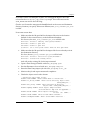
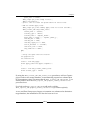
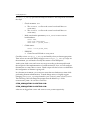
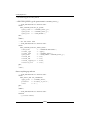
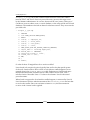
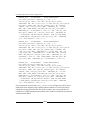
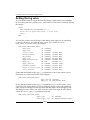
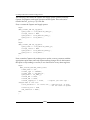
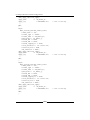
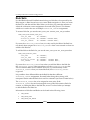
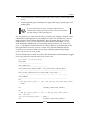
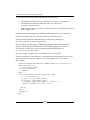
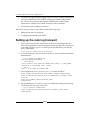
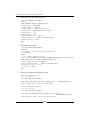
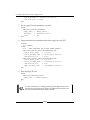
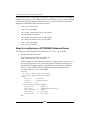
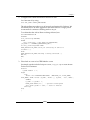
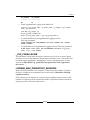
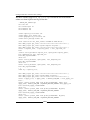
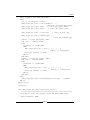
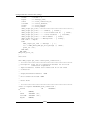
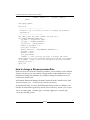
'ERROR', errnum ||': ' ||errmsg, sysdate);
commit;
end ckprop_enable;
/
show error
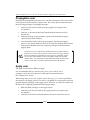
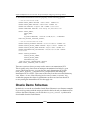
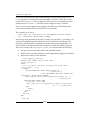
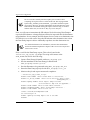
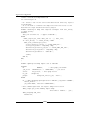
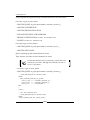
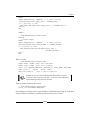
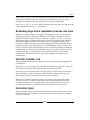
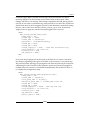
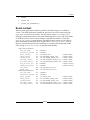
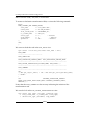
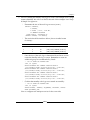
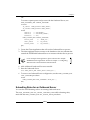
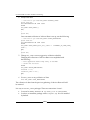
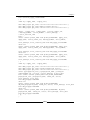
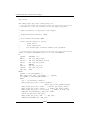
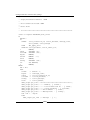
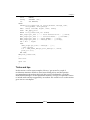
--------------------------------Schedule a job to run every 15 mins to re-enable any disabled
propagation.
------------------------------exec dbms_output.put_line('schedule chk prop job');
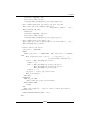
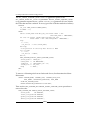
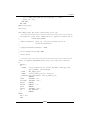
exec DBMS_SCHEDULER.CREATE_JOB ( job_name => 'propagation_check', job_type => 'STORED_PROCEDURE', job_action => 'ckprop_enable', number_of_arguments => 0, start_date =>sysdate, repeat_interval => 'FREQ=MINUTELY;INTERVAL=15', end_date => null, enabled => TRUE, auto_drop=>FALSE, comments => 'This job kicks off every 15 minutes and checks
dba_propagation for any disabled propagation schedules and attempts
to re-enable. Audits of this job are captured in table strmadmin.
propagation_audit');
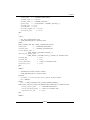
spool off
/
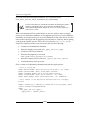
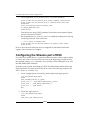
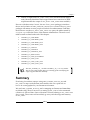
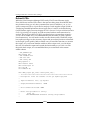
How to change a Streams process Rule
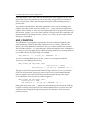
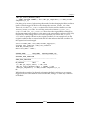
Based on what we reviewed in Chapter 6 on Rules, we can modify a rule condition
directly. Use this power with caution. Changes made via this method may not be
reflected in existing rule metadata. If you make a change, document it to avoid
confusion down the road.
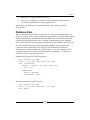
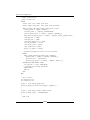
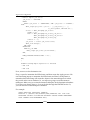
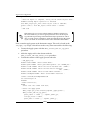
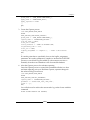
An Example: Enterprise Manager Streams Creation Wizard Created Process with
INCLUDE_TAGGED_LCR = TRUE, but you want it to be FALSE.
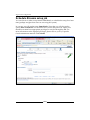
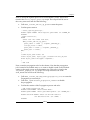
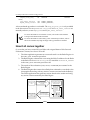
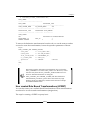
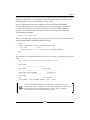
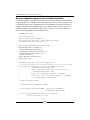
As mentioned earlier, if you use the EM Streams Setup wizard to configure your
Streams, be aware that it graciously sets all process INCLUDE_TAGGED_LCR to TRUE.
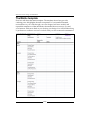
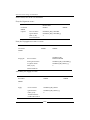
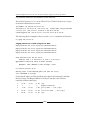
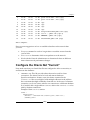
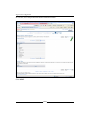
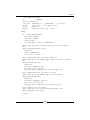
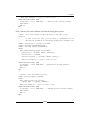
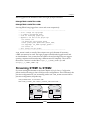
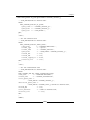
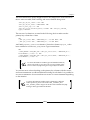
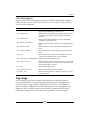
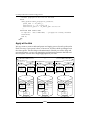
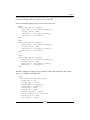
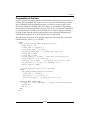
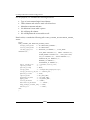
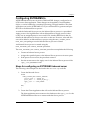
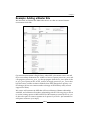
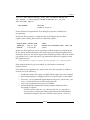
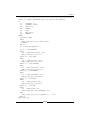
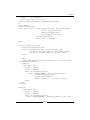
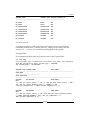
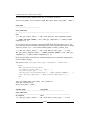
select streams_name, streams_type, include_tagged_lcr include_tag
from dba_streams_rules;
[ 314 ]