1
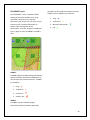
SAR Patterns:
The Search and Rescue (SAR) feature is
activated by touching “Main Menu >
Preferences > General > Enable SAR Patterns.”
Search patterns are easily incorporated into a
flight plan using three basic search patterns.
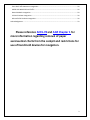
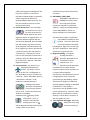
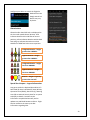
Parallel track search pattern:
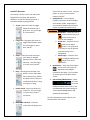
Sector search pattern:
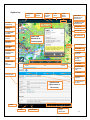
Expanding square search pattern:
Parameters for each search pattern may be
adjusted as necessary for effectiveness.
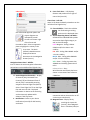
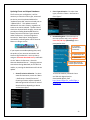
To create a search and rescue flight plan:
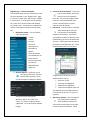
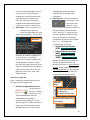
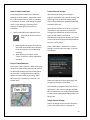
1. Long press a waypoint in the Flight Plan
tab. Waypoints
are entered into
the Flight Plan by
touching the “+” or long press a
location on the chart and “append” or
“insert” a user waypoint into the Flight
Plan tab.
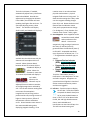
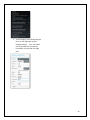
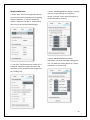
2. Touch “Search/Rescue…” option.
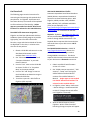
3. Verify the starting point is correct,
which is also the anchor point for the
SAR pattern. Adjust parameters for size
and direction of the route. Default
values appear initially for each pattern
type.
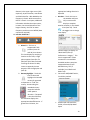
4. Be sure to fill in all required fields the
select “Add SAR.”
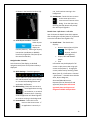
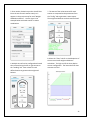
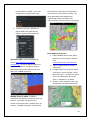
To activate a different segment than the one
currently displayed, open the Flight Plan tab,
long press the name of the waypoint at the
destination end of the segment you wish to
activate and a menu will pop up with the option
to “Activate Leg.”
21