1
JetMobile® Barcode Printing System
_____________________________________________________________________
Using the module options within Microsoft Word
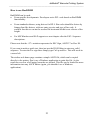
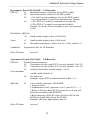
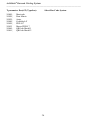
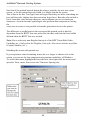
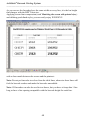
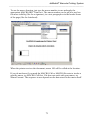
MS Word has the possibility to send printer direct commands. Select Insert Fields
and then proceed in the right window to the filed print (druck) and click at it once.
Press the Tab and cursor right keys and enter any valid ESC-Sequenze like this:
27”(s.....T”
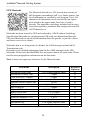
If you would like to display the field, mark the field functions option in Tools
(Extras) Options....
Note: Unfortunately there is a bug in MS Word 97. If you are using a Microsoft
printer driver, the print field may not be sent to the printer. There are two ways to
solve this problem:
1. Install the Windows (Word) Service Pack 1, or
2. install another HP driver. You may have a look at HP.COM on the
internet for the latest version. We strongly recommend both options!
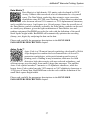
If you need always the identical barcode information, then we suggest to add the
code information into the print filed. If not, then please make shure, that the fonts
before the print field and after the print field is small, the same and most important
build into the printer. The best is you use a small Letter Gothic font.
16