1
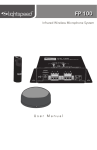
FP 100 User Manual
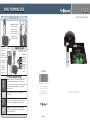
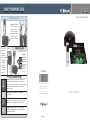
FINALIZING CONNECTIONS
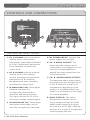
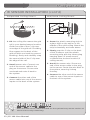
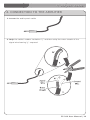
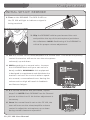
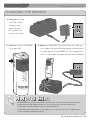
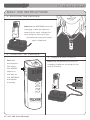
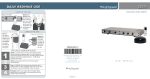
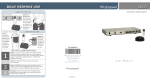
1. Ensure all top panel volume
controls are turned fully
counterclockwise.
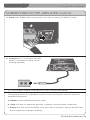
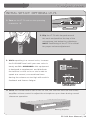
3. Ensure sensor cable is attached
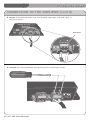
2. Ensure audio output connection(s) are
securely connected into the FP 100 and the
mixer/amplifier. Make sure the CH.B/MIX
switch is in the appropriate setting based on your output method (see pg. 11 for
more info).
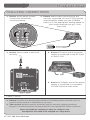
4. Ensure DC barrel end of the power
supply is connected to the DC input
on the FP 100.
securely.
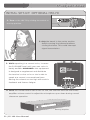
5. Ensure AC adaptor end of the power
supply is connected to a standard 110 VAC electrical wall outlet.
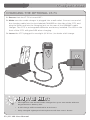
FINAL CHECK
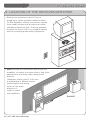
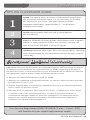
1. Ensure all cables are appropriately routed out of walking paths and work areas to prevent safety hazards to individuals in the room.
2. The receiver packing material should be kept for warranty shipping purposes.
Dispose of remaining system-packing material in the appropriate refuse containers.
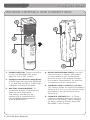
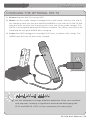
Leave microphones charging so they are ready for use.
Microphones will need to be charged on a daily basis.
17 | FP 100 User Manual