1
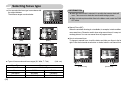
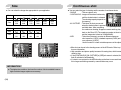
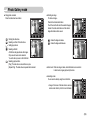
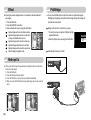
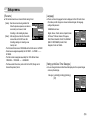
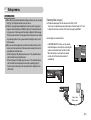
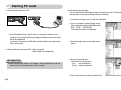
Preset focus frames
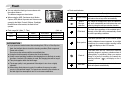
Photo Gallery mode
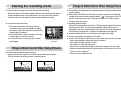
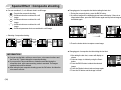
■ You can make the subject stand out from its surroundings. The subject will be
sharp and in focus while making the rest out of focus.
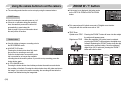
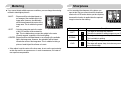
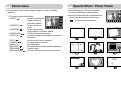
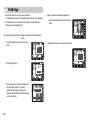
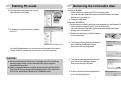
■ When the images play back, you can add play back effect and listen to a B.G.M.
A still image is played back, but a movie clip or voice file isn't.
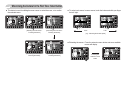
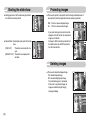
■ Selecting a play back mode
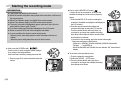
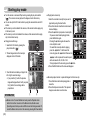
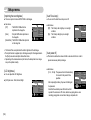
1. Select the Photo Gallery mode by rotating
the mode dial.
[Range 1]
[Range 2]
[Range 3]
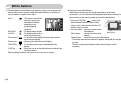
■ The preset focus frame will appear.
Press the shutter button to capture an image.
[Range 4]
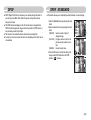
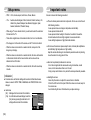
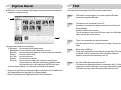
2. Press the Play mode button and menus as
shown will display.
: Play back by album
: Play back by date
6
Capture:SH
Edit:BACK
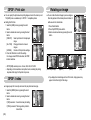
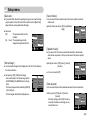
3. Press the Smart button to select a desired play back mode.
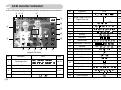
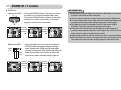
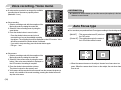
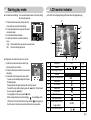
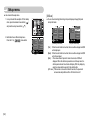
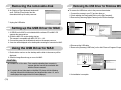
Movie Clip frame stabiliser
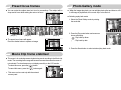
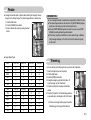
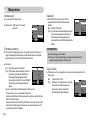
■ This menu is for reducing camera shake during movie recording in the Movie clip
mode. The recording frame range will become narrower than when the menu is
not selected. Pre-view frames may not display smoothly on the LCD monitor.
To select this menu, press the (
) button.
To cancel this menu, press the (
) button again.
※ This menu can be used only with the external
memory card.
20
《37》