1
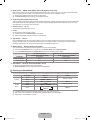
Contents
CONNECTING AND PREPARING YOUR TV
■ Viewing the Control Panel.................................................................. 2
■ Accessories........................................................................................ 3
■ Viewing the Connection Panel............................................................ 3
■ Viewing the Remote Control............................................................... 5
■ Installing Batteries in the Remote Control.......................................... 5
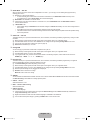
OPERATION
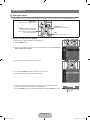
■ Viewing the menus............................................................................. 6
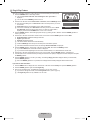
■ Plug & Play Feature............................................................................ 7
CHANNEL CONTROL
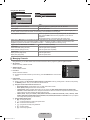
■ Configuring the Channel Menu........................................................... 8
■ Managing Channels.......................................................................... 10
PICTURE CONTROL
■ Configuring the Picture Menu........................................................... 12
■ Using Your TV as a Computer (PC) Display..................................... 15
■ Setting up the TV with your PC........................................................ 16
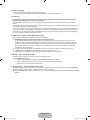
SOUND CONTROL
■ Configuring the Sound Menu............................................................ 16
■ Selecting the Sound Mode............................................................... 17
SETUP
■ Configuring the Setup Menu............................................................. 18
INPUT / SUPPORT
■ Configuring the Input Menu.............................................................. 21
■ Configuring the Support Menu.......................................................... 21
RECOMMENDATIONS
■ Teletext Feature................................................................................ 23
■ Installing the Stand........................................................................... 24
■ Disconnecting the Stand................................................................... 24
■ Installing the Wall Mount Kit............................................................. 24
■ Anti-Theft Kensington Lock.............................................................. 25
■ Securing the Installation Space........................................................ 25
■ Securing the TV to the Wall.............................................................. 26
■ Troubleshooting: Before Contacting Service Personnel................... 27
■ Specifications................................................................................... 28
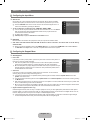
❑ Symbol
N
O
T
Note
One-Touch Button
TOOL Button
Press
English - BN68-02041A.indb 1
2009-04-10 �� 5:24:52