1
Provisional notes for Tplan version 29.1
Harald Michalsen
Page 4 of 117
explained in the current user manual. These rules will not be changed here except from some very
special timetabling mechanisms.
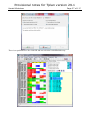
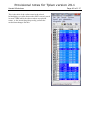
SELECT LANGUAGE
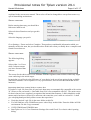
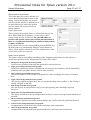
Before starting data entry you should do a
little more initial work.
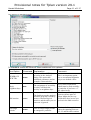
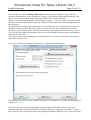
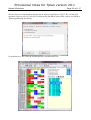
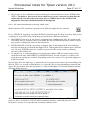
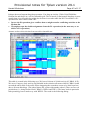
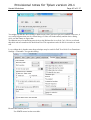
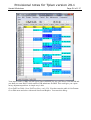
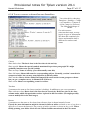
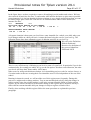
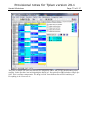
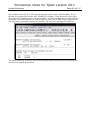
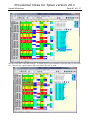
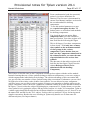
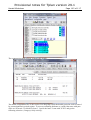
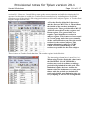
Select tab sheet Functions and you get this
dialog:
Select the language you prefer.
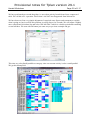
Go to Settings > Errors and select Complete. That produces considerable information which you
normally need in the start, but you should reduce all this info when you finally have a complete and
formal correct data set.
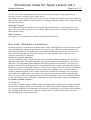
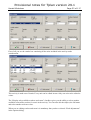
SELECT USER LEVEL
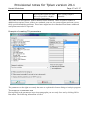
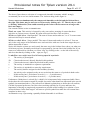
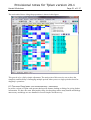
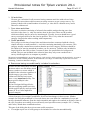
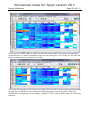
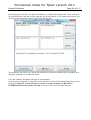
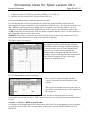
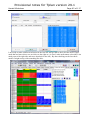
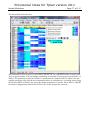
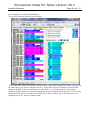
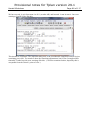
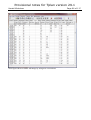
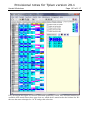
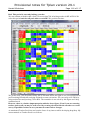
The following dialog
appears:
Select either 1 or 2 here
while 3 almost assume
you have discussed that
with me.
The reason for the choice above is to eliminate from the beginner some facilities which only might
seem confusing in the initial stages.
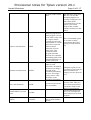
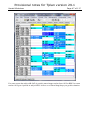
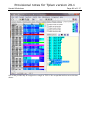
In particular you will notice the difference of your choice in the set of run options being available.
(Advanced contains a set of options of a very special nature, and I will not document that for the
moment.)
Importing data from version 28.6 to version 29.1
If you have *.tpd –file from 28.6 all your basic data entry are automatically compatible with version
29.1 However the end result i.e. final table from 28.6 is not compatible with 29.1. The main reason
for that is that we have completely reorganised the internal data structure. I didn’t think this would
matter much, but there will surely be someone who wants last year’s table in version 29.1. I shall
give a helping hand provided you have some data experience:
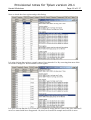
• Unzip the desired *.tpd- file in the same folder as this file.
• You will find here a file JUMOD.nnn (nnn= school key) in this folder. Enter the folder in DOSenvironment. Do this Copy-command:
• COPY JUMOD.nnn JUMOD28.nnn
• Start Tplan ver 29.1. Go to Functions>Settings>Save and Check: Use classic school opening
dialog.