1
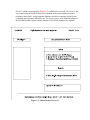
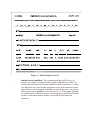
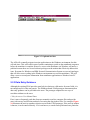
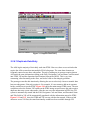
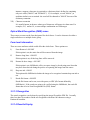
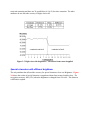
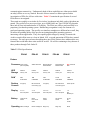
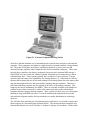
Figure 2.9 Duplicte Data Entry
2.2.6.1 Duplicate Data Entry
The ASIs log the majority of their daily tasks into PTRS. However, there are several tasks that
require the ASIs to enter data into multiple FSAS subsystems. The same data elements are
frequently entered across these subsystems. The task of adding an air operator requires that an
ASI enters the same information relating to the FAR, Designator Code and Name, and Personnel
into PTRS, VIS and the Operation Specifications Subsystem (OPSS). This is very time
consuming, often frustrating to the users, and it also leads to data integrity problems.
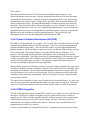
The prototype remedies this situation by allowing the user to selectively choose to transfer data
between subsystems, if the task requires it. For example, if a user wants to add an air operator,
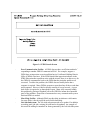
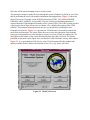
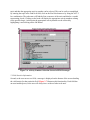
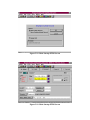
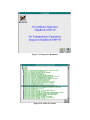
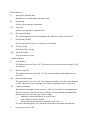
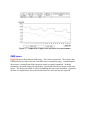
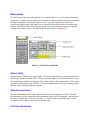
he/she would first access the PTRS. Figure 2.10 shows the main startup PTRS screen. The user
would then select the 'Initiate VIS' option on the PTRS startup screen because this task requires
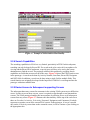
duplicate data entry across subsystems. After the user saves the information in PTRS, the VIS
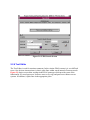
system is automatically started and the FAR, Designator Code and Name, and Personnel Name
and Title fields in VIS will be automatically populated with the information entered in PTRS.
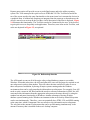
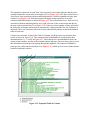
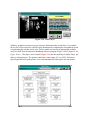
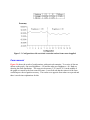
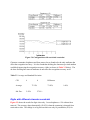
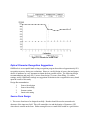
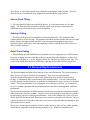
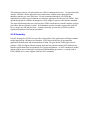
Figures 2.11 and 2.12 show the PTRS and VIS screens with the data entered. If the user had
chosen to access VIS first, the same functionality would have been available through VIS.